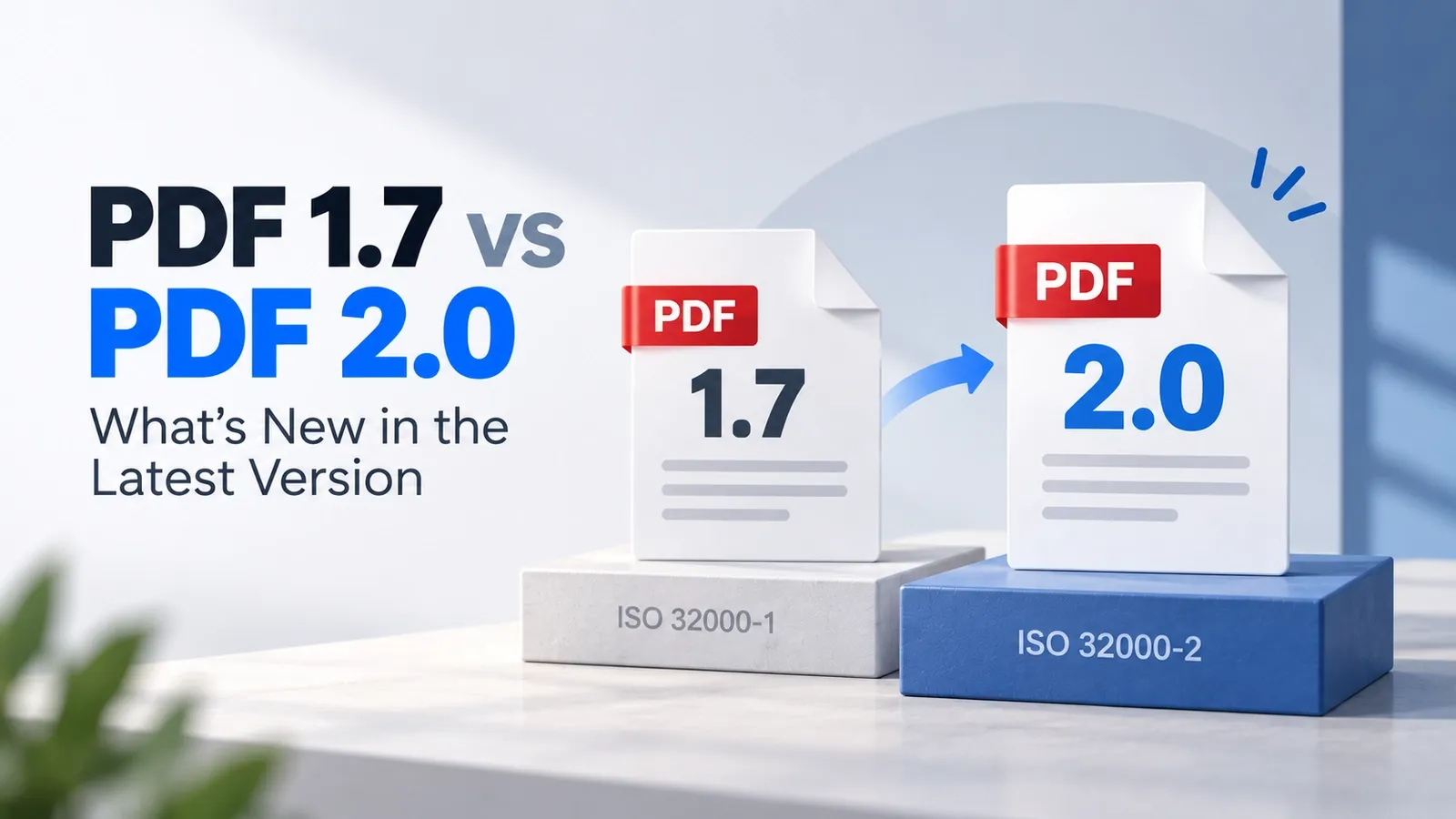
PDF 2.0 is the evolution of PDF 1.7, not a complete rebuild of the PDF format. It keeps the core structure readers already know, but updates the specification for stronger security, cleaner standards control, better accessibility, and more precise print production.
This comparison looks at the two versions side by side in plain English. Instead of only listing changes, it explains what changed, why it matters, and when the newer version is actually worth using.
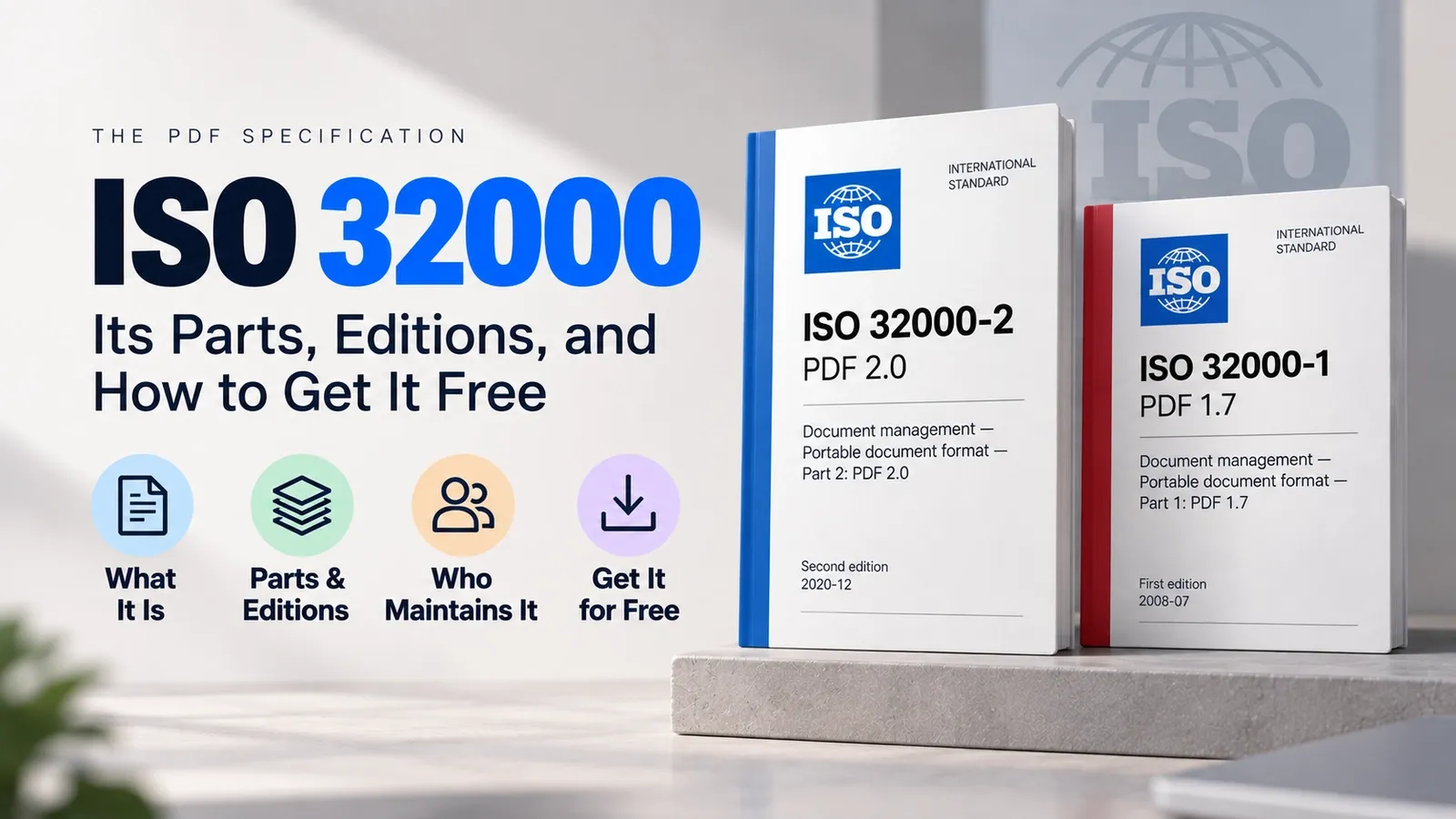
The key standards link is simple: PDF 1.7 belongs to ISO 32000-1, while PDF 2.0 belongs to ISO 32000-2. PDF 2.0 is also the first PDF edition written entirely under ISO stewardship, with no matching Acrobat release tied to it.
Another detail often missed is that the current PDF 2.0 specification is the 2020 edition, not the first 2017 release. The 2020 edition corrected and refined the earlier version, so it is the better reference point when comparing PDF 2.0 against PDF 1.7.
This article walks through the full feature comparison in order: what changed overall, how encryption and security differ, which proprietary features were removed, and how accessibility improved. It also explains what changed for print production, how backward compatibility works, whether you need to upgrade, and how to convert between PDF 1.7 and PDF 2.0.
What Changed Between PDF 1.7 and PDF 2.0?
PDF 2.0 keeps the core PDF model from PDF 1.7 but adds stronger encryption, better accessibility, improved print-production controls, associated files, and a cleaner move away from proprietary Adobe pieces.
The standards context is that PDF 2.0 is defined by ISO 32000-2, first published in 2017 and revised in 2020, while PDF 1.7 was defined by ISO 32000-1 in 2008.
The change is an evolution, not a rebuild. A PDF 2.0 file still belongs to the same PDF family, so the format was not redesigned from scratch. The newer version updates how the standard handles security, structure, printing, attachments, and vendor-specific features.
PDF 2.0 also changed the governance story. It was the first PDF edition developed entirely under ISO stewardship, with no matching Acrobat release tied to it. Earlier PDF versions were closely connected to Adobe’s product and reference-document history, but PDF 2.0 came through the ISO standards process.
The current comparison point is the 2020 dated revision. The 2017 first edition introduced PDF 2.0, but the 2020 revision replaced it with corrections and clarifications, so readers should treat the 2020 edition as the current PDF 2.0 reference.
How Do Encryption and Security Differ in PDF 2.0?
PDF 2.0 improves security by adding AES-256 encryption, supporting RC4 deprecation, and allowing unencrypted wrapper documents that help readers unlock encrypted PDFs more clearly.
In PDF 1.7, older RC4 encryption methods were still allowed. PDF 2.0 moves away from those weaker methods because RC4 is no longer considered safe for modern document protection. Stronger encryption gives sensitive PDF files better protection against outdated security risks.
PDF 2.0 also improves support for digital signatures. It aligns better with modern signature workflows such as PAdES and long-term validation, where a signed document needs to remain verifiable even after certificates, timestamps, or validation services change over time.
The unencrypted wrapper is one of the more practical security changes. It works like an unencrypted shell around an encrypted PDF, so the file can show instructions, warnings, or unlocking information before the protected content is opened. PDF 1.7 could encrypt the document, but it did not provide this same wrapper-style way to guide the reader.
So the security difference is clear: PDF 1.7 still allowed older encryption behaviour, while PDF 2.0 pushes PDF security toward stronger encryption, safer signature handling, and clearer access instructions for encrypted files.
What Proprietary Features Did PDF 2.0 Remove?
PDF 2.0 removes Adobe-proprietary technologies such as XFA forms and Flash SWF rich media, while keeping standard AcroForms as the supported PDF forms method.
XFA was dropped because it belonged to Adobe’s own forms technology rather than the core ISO PDF model. A PDF 1.7 file built heavily around XFA forms may not move cleanly into PDF 2.0, especially if the workflow depends on dynamic form behaviour, embedded datasets, or Adobe-specific processing.
Flash/SWF rich media was also removed because the wider software industry moved away from Flash. Keeping it inside a modern PDF standard would make the format depend on outdated, unsupported, and unsafe media technology.
PDF 2.0 does not remove every interactive feature. Core JavaScript can still exist in PDF workflows, but some Adobe-specific extensions and older behaviours are deprecated so the specification can stay cleaner and more vendor-neutral.
The migration warning is simple: if a PDF 1.7 workflow depends on XFA forms, Flash/SWF media, or other proprietary features, do not assume it will round-trip cleanly into PDF 2.0. Convert and test those files carefully before replacing the older workflow.
How Did Tagged PDF and Accessibility Improve in PDF 2.0?
PDF 2.0 improves Tagged PDF by adding new structure types such as DocumentFragment, Aside, Title, and FENote, along with namespaces, MathML support, and stricter alternative-text rules.
In PDF 1.7, tagging already existed, but the structure model was looser. That made accessible PDFs possible, but it also left more room for inconsistent tagging, unclear reading order, weak alternative text, and less reliable interpretation by assistive technology.
PDF 2.0 makes the tag tree more precise. New structure types help describe document parts more clearly, while stricter alternative-text rules help screen readers and other assistive tools understand images, figures, formulas, and non-text content with less guesswork.
Namespaces are one of the biggest accessibility improvements. They let a PDF 2.0 tag tree reference structure systems outside the PDF standard, including HTML structures, which makes PDF-to-HTML round-trips more reliable.
MathML support also matters for accessibility because mathematical content needs more than a flat image or plain text label. With better structure support, formulas can be represented in a way that assistive technology can interpret more meaningfully.
For WCAG alignment, the practical difference is that PDF 2.0 gives authors and tools a cleaner structure model to work with. PDF 1.7 could support accessible tagging, but PDF 2.0 gives that tagging stronger rules, clearer semantics, and better support for modern accessibility workflows.
What's New for Print Production in PDF 2.0?
PDF 2.0 improves print production by adding page-level output intents, black point compensation, spectral spot colour data through CxF/X-4, and ink order information that PDF 1.7 handled only at document level or did not define clearly.
The biggest change is page-level output intents. In PDF 1.7, output intent worked mainly at the document level, so the whole PDF was tied to one intended printing condition. PDF 2.0 lets different pages carry different output intents when the print job needs more precise colour control.
A practical example is a magazine PDF with a glossy cover and matte inner pages. In PDF 2.0, the cover and the inside pages can each keep their own output intent. PDF 1.7 could not express that mixed production setup as cleanly inside the same file.
Black point compensation also helps print results stay more predictable. It gives PDF tools a clearer way to handle dark tones when converting colours between devices, profiles, or printing conditions.
PDF 2.0 also improves spot-colour handling through spectral data such as CxF/X-4. Instead of treating a spot colour only as a named ink or simple alternate colour, print workflows can carry richer colour information for more accurate reproduction.
Ink order information adds another production detail. It helps define the sequence in which inks should be applied, which can matter for complex print jobs, special inks, varnishes, and packaging-style workflows.
Transparency handling also became more consistent across vendors. For printers, RIPs, and prepress tools, PDF 2.0 gives a cleaner specification for advanced production files instead of leaving too much room for different interpretations.
Is PDF 2.0 Backward Compatible With PDF 1.7?
Yes, backward compatibility is largely supported as PDF 2.0 tools can still read PDF 1.7 files. A PDF 2.0 file can also open in older PDF 1.7 readers if it avoids PDF 2.0-only features.
The safe path is a PDF 2.0 file that uses only features older readers already understand. In that case, the file behaves much like a PDF 1.7 document because it does not depend on newer security, tagging, print, or attachment features.
Problems start when the file uses PDF 2.0-only features. An older reader may ignore the new feature, show part of the file incorrectly, lose accessibility structure, fail to understand newer encryption, or create feature degradation without clearly warning the user.
That is the asymmetry. Forward reading is usually safe because PDF 2.0 tools are designed to read older PDF 1.7 files. Backward reading is less predictable because older readers cannot fully understand features that were added after PDF 1.7.
When a PDF relies on extensions, those extensions should be declared in an Extensions dictionary. That gives PDF processors a clearer signal about extra features or behaviours beyond the base version.
So PDF 1.7 files are generally safe in PDF 2.0 tools, but PDF 2.0 files should be tested in older readers if they use newer encryption, newer tags, associated files, or other 2.0-only features.
Do You Need to Upgrade From PDF 1.7 to PDF 2.0?
Most users do not need to switch from PDF 1.7 to PDF 2.0 unless they need stronger encryption, better accessibility, modern print controls, or PDF/A-4 archiving.
Staying on PDF 1.7 is fine when your main goal is maximum reader compatibility. It is still widely supported across PDF readers, browsers, office tools, converters, and older document workflows.
PDF 2.0 makes more sense when your workflow depends on newer capabilities. Choose it if you need AES-256 security, stronger Tagged PDF structure, more reliable accessibility work, page-level print controls, associated files, or cleaner standards-based handling.
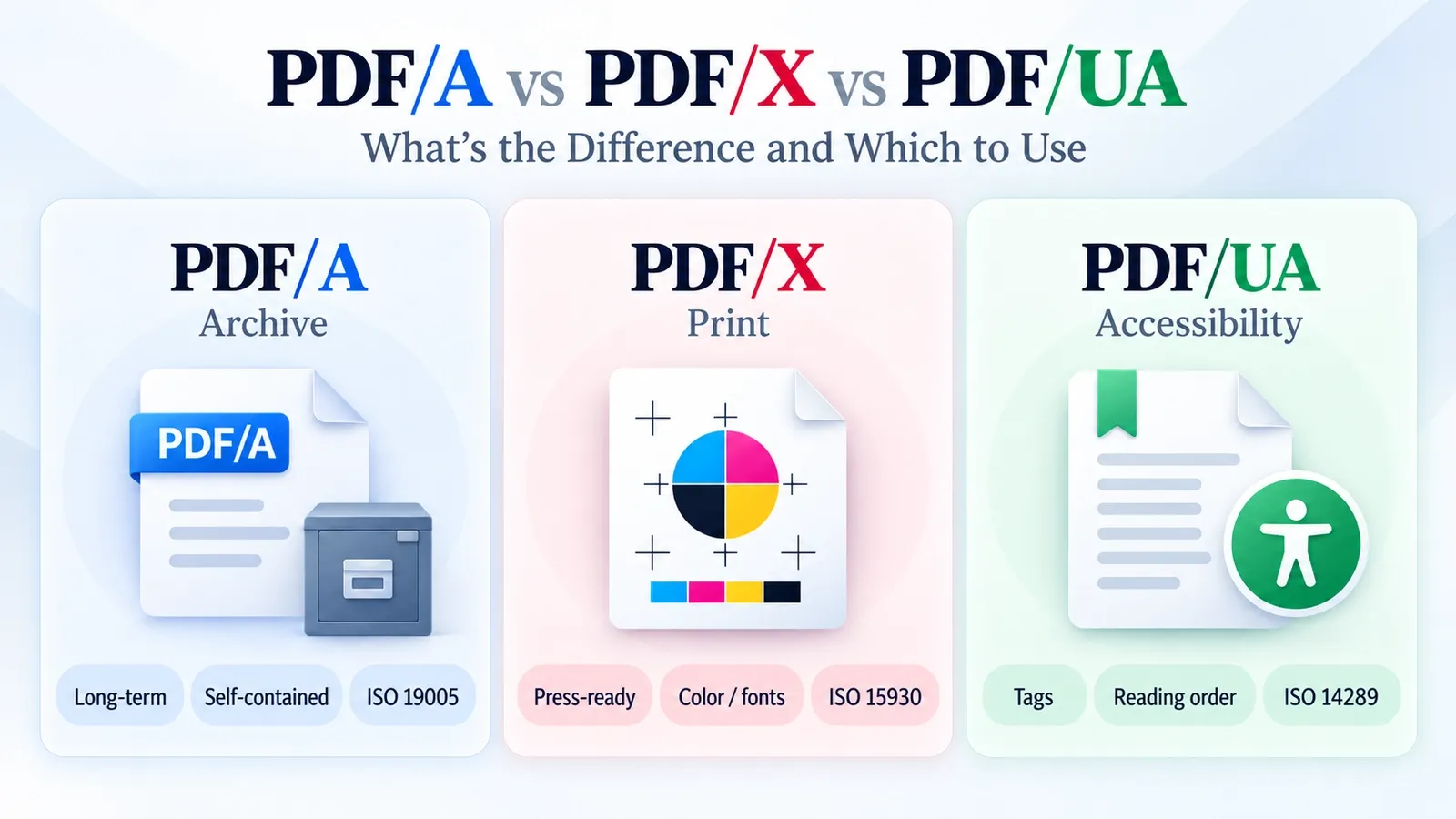
PDF/A-4 is another reason to consider PDF 2.0. It is built on PDF 2.0, so long-term archiving workflows that specifically require PDF/A-4 need tools that can properly create and validate PDF 2.0-based files.
Before making the upgrade decision, check your software support. Your PDF editor, validator, printer workflow, archive system, and end-user readers should all handle PDF 2.0 correctly before you move important files to the newer version.
The short rule is simple: pick PDF 2.0 for accessibility, AES-256 security, PDF/A-4 archiving, or advanced print production; keep PDF 1.7 when broad compatibility matters more than newer features.
How Do You Convert Between PDF 1.7 and PDF 2.0?
You can convert between PDF 1.7 and PDF 2.0 by setting the target PDF version when saving, exporting, or rewriting the file through Acrobat Preflight, Ghostscript, or a PDF library that supports version conversion.
In Adobe Acrobat, the usual route is Acrobat Preflight. Preflight profiles and fixups can rewrite a PDF to a chosen version, which is useful when you want a guided interface instead of a command-line workflow.
Ghostscript is the practical command-line route. The key setting is the compatibility level flag: use -dCompatibilityLevel=1.7 when writing a PDF 1.7 file, or -dCompatibilityLevel=2.0 when writing a PDF 2.0 file.
A PDF library is the developer route. It fits automated systems where the version needs to be set during export, batch processing, validation, or document-generation workflows.
The main caution is down-conversion. If you convert a PDF 2.0 file back to PDF 1.7, PDF 2.0-only features may be removed, flattened, weakened, or ignored. That can affect newer encryption, newer tagging structures, associated files, print-production metadata, or other features that PDF 1.7 does not fully support.
The safe workflow is to choose the target version first, convert with the right tool, then validate the output. Version conversion changes the file structure, not just the number in the PDF header.
How Do You Downgrade a PDF 2.0 File to PDF 1.7?
You can downgrade a PDF 2.0 file to PDF 1.7 by running Ghostscript with -dCompatibilityLevel=1.7, or by using Acrobat Preflight with a “convert to PDF 1.7” fixup, but PDF 2.0-only features may be dropped.
Ghostscript is the command-line route. The important setting is the compatibility level, which tells Ghostscript to write the output as PDF 1.7 instead of PDF 2.0.
Acrobat Preflight is the guided route. It is useful when you want Acrobat to inspect the file, apply a PDF 1.7 conversion fixup, and report issues that may affect the result.
The main risk is feature loss. A downgrade can remove or weaken PDF 2.0-only features such as AES-256 encryption, newer tag structures, associated files, page-level output intents, or other modern metadata that PDF 1.7 does not fully support.
The security check is especially important. A silent downgrade can strip AES-256 encryption or change how the file is protected, so re-check the document security after converting instead of trusting the output automatically.
After conversion, verify the result by opening the PDF in a text-safe tool or validator and checking the PDF header. If the file was downgraded correctly, the header should identify it as a PDF 1.7 file, not a PDF 2.0 file.
What Is the Full PDF Version History?
PDF 1.7 and PDF 2.0 are the two most recent major entries in the PDF version timeline, which started with PDF 1.0 in 1993. The complete release-by-release timeline belongs in the dedicated PDF version history guide.
For this comparison, the main orientation is simple. PDF 1.7 is the older ISO-standardised baseline, while PDF 2.0 is the newer ISO-authored version that modernised security, accessibility, print production, and standards control.
Older PDF versions show how the format grew through Adobe’s product history and Acrobat releases, but that full timeline should not be repeated here.
This section only points readers to the larger version-history guide, where they can find every release, feature change, release year, and Acrobat pairing in order.
What Is the ISO 32000 Standard?
ISO 32000 is the specification that defines the PDF format: ISO 32000-1 defines PDF 1.7, and ISO 32000-2 defines PDF 2.0. The standard itself is explained in the dedicated ISO 32000 explained guide.
For this comparison, the one-line orientation is enough. PDF 1.7 and PDF 2.0 are not random version names; they map to the two main parts of the ISO 32000 standard.
This page focuses on the practical differences between PDF 1.7 and PDF 2.0. The ISO 32000 guide covers the standard in detail, including its parts, editions, who maintains it, how Adobe’s old PDF Reference relates to it, and how to get the specification.