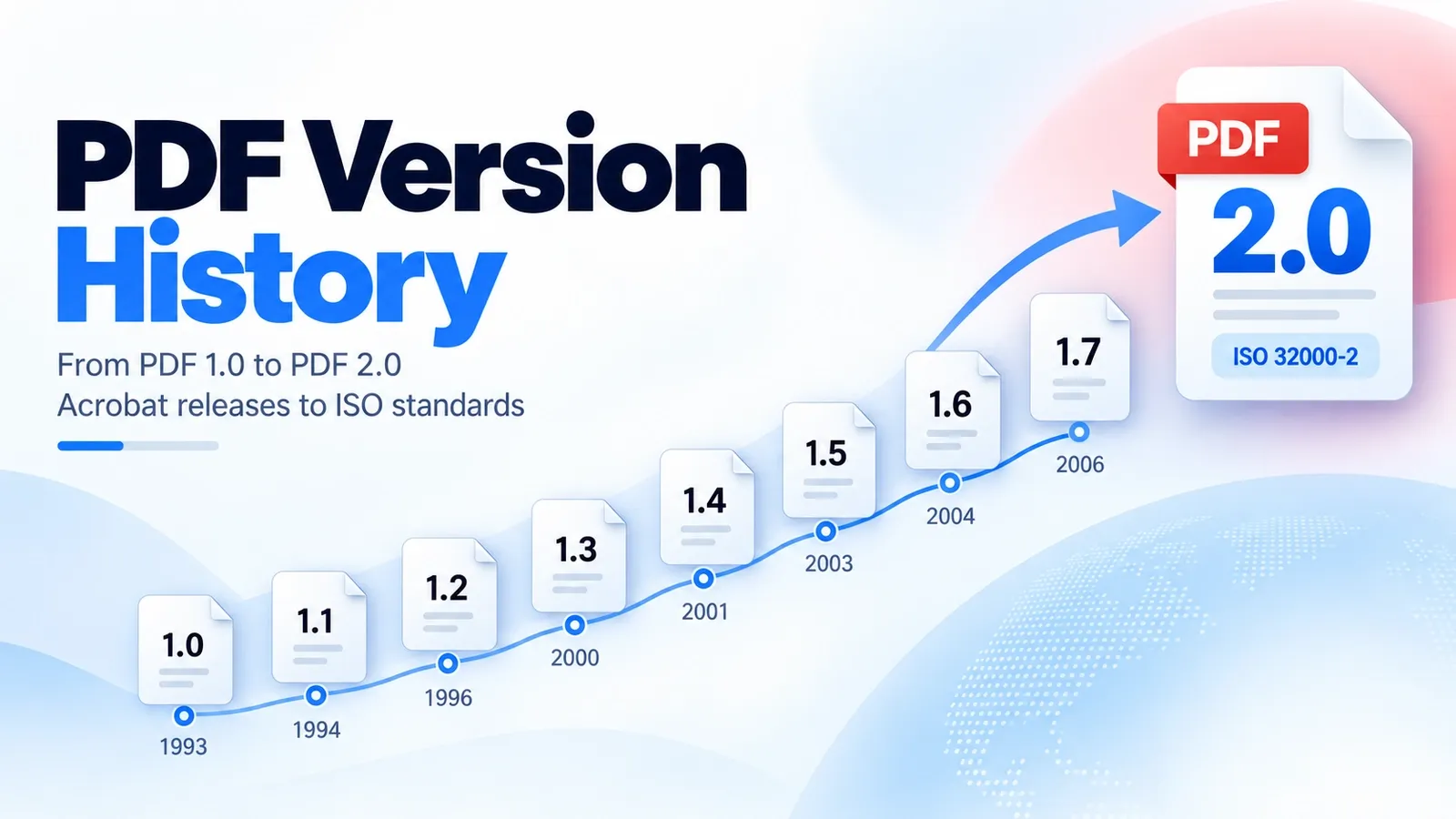
Every PDF version followed a clear pattern: an early version came with an Acrobat release, and each release added one signature feature that pushed PDF beyond the version before it. The version timeline is easiest to understand when each release is mapped to its matching Acrobat version and its main upgrade.
| PDF Version | Acrobat Release / Standard Stage | One Defining Feature |
|---|---|---|
| PDF 1.0 | Acrobat 1 | Fixed-page document model |
| PDF 1.1 | Acrobat 2 | Links and password security |
| PDF 1.2 | Acrobat 3 | AcroForm forms |
| PDF 1.3 | Acrobat 4 | Digital signatures |
| PDF 1.4 | Acrobat 5 | Transparency |
| PDF 1.5 | Acrobat 6 | Object streams |
| PDF 1.6 | Acrobat 7 | 3D U3D support |
| PDF 1.7 | Acrobat 8 / ISO 32000-1 | ISO handoff |
| PDF 2.0 | ISO 32000-2 | Vendor-neutral cleanup |
One detail many readers miss is that the version is written inside the file itself. The first line of any PDF starts with a %PDF- header, such as %PDF-1.7 or %PDF-2.0, and you can read it in a plain text editor.
This article explains how PDF versioning works, what PDF 1.0 to 1.3 added, what PDF 1.4 added, what PDF 1.5 and 1.6 added, why PDF 1.7 matters for the ISO 32000 handoff, how Adobe extension levels bridged the gap, and what changed in PDF 2.0.
How Does PDF Versioning Work?
Each PDF version works as a compatibility marker: early versions came with an Adobe Acrobat release, and the file itself states the version number. Since 2008, the main version path has been controlled by ISO, not Adobe alone.
The Acrobat pairing is the historical part. PDF 1.0 matched Acrobat 1, PDF 1.4 matched Acrobat 5, and PDF 1.7 matched Acrobat 8 before the format moved into ISO standardization. That pairing helps explain why older PDF features often appear alongside older Acrobat releases.
The file-level version check is even simpler. Open a PDF in a plain text editor and look at the first line. It normally starts with a %PDF- header, such as %PDF-1.7 or %PDF-2.0, which tells you the declared version of the file.
After the ISO handoff, version control changed. Adobe could still build Acrobat features, but the official PDF standard no longer moved forward only by Adobe’s product releases. Newer version decisions now belong to the ISO standards process.
What Did PDF 1.0 to 1.3 Introduce?
PDF 1.0 in 1993, paired with Acrobat 1, set the core fixed-page model. PDF 1.1, paired with Acrobat 2, added links, passwords, and device-independent colour. PDF 1.2, paired with Acrobat 3, added interactive AcroForm forms. PDF 1.3, paired with Acrobat 4, added digital signatures, ICC colour, and CID fonts.
These early versions moved PDF beyond a static page. Acrobat 1 proved the basic idea: a document could keep the same layout across computers and printers. Acrobat 2 made PDFs easier to navigate and protect. Acrobat 3 made forms practical. Acrobat 4 pushed the format deeper into professional publishing, global text handling, colour-managed workflows, and signed documents.
The biggest turning point in this early group was AcroForm in PDF 1.2. Before forms, a PDF mainly preserved the look of a finished page. With AcroForm, the file became something a reader could fill in, not just view.
So PDF 1.0 to 1.3 built the foundation: fixed pages first, then navigation and security, then fillable forms, then stronger publishing, identity, colour, and font support.
What Did PDF 1.4 Introduce?
PDF 1.4, released in 2001 with Acrobat 5, added transparency, Tagged PDF, and 128-bit encryption.
Transparency was a major design upgrade because it let PDF handle effects such as see-through objects, soft shadows, overlays, and layered visual artwork more reliably. For designers and print workflows, that made PDF better at preserving complex page layouts instead of forcing every visual element to behave like a flat object.
Tagged PDF was just as important, but for a different reason. It added structure to the document by marking headings, paragraphs, reading order, tables, and other content relationships. That structure later became the foundation for better accessibility, because assistive technologies need more than a visual page to understand how a document should be read.
The security upgrade also mattered. With 128-bit encryption, PDF 1.4 gave document creators stronger protection options than earlier versions, especially for files that needed passwords, restrictions, or controlled access.
So PDF 1.4 was not only a design release. It improved visual complexity, strengthened document protection, and started the path toward accessible PDF workflows through Tagged PDF.
What Did PDF 1.5 and 1.6 Introduce?
PDF 1.5, released in 2003 with Acrobat 6, added object streams, cross-reference streams, JPEG2000, and optional-content layers, commonly handled through optional content groups. PDF 1.6, released in 2004 with Acrobat 7, added OpenType embedding, AES-128 encryption, and 3D U3D support.
PDF 1.5 was especially important for file size. Earlier PDFs could compress images and page content, but object streams let the file compress structural objects too. That meant modern PDFs could become smaller not only because the visible content was compressed, but because the internal building blocks of the file were stored more efficiently.
Cross-reference streams also helped modernize the file structure. Instead of relying only on the older cross-reference table style, PDF 1.5 could store reference data in a compressed stream, which made the file format more compact and better suited to larger, more complex documents.
PDF 1.5 also expanded how content could be managed visually. JPEG2000 improved image compression options, while optional content groups made layer-like behavior possible, so users could show or hide certain content inside the same PDF.
PDF 1.6 then pushed the format further into richer media and stronger document handling. OpenType embedding improved font support, AES-128 gave stronger encryption, and 3D U3D allowed 3D model data to appear inside PDF workflows.
Together, PDF 1.5 and PDF 1.6 made PDFs smaller, more layered, more secure, and more capable of carrying advanced media than earlier versions.
What Is PDF 1.7 and How Does It Relate to ISO 32000-1?
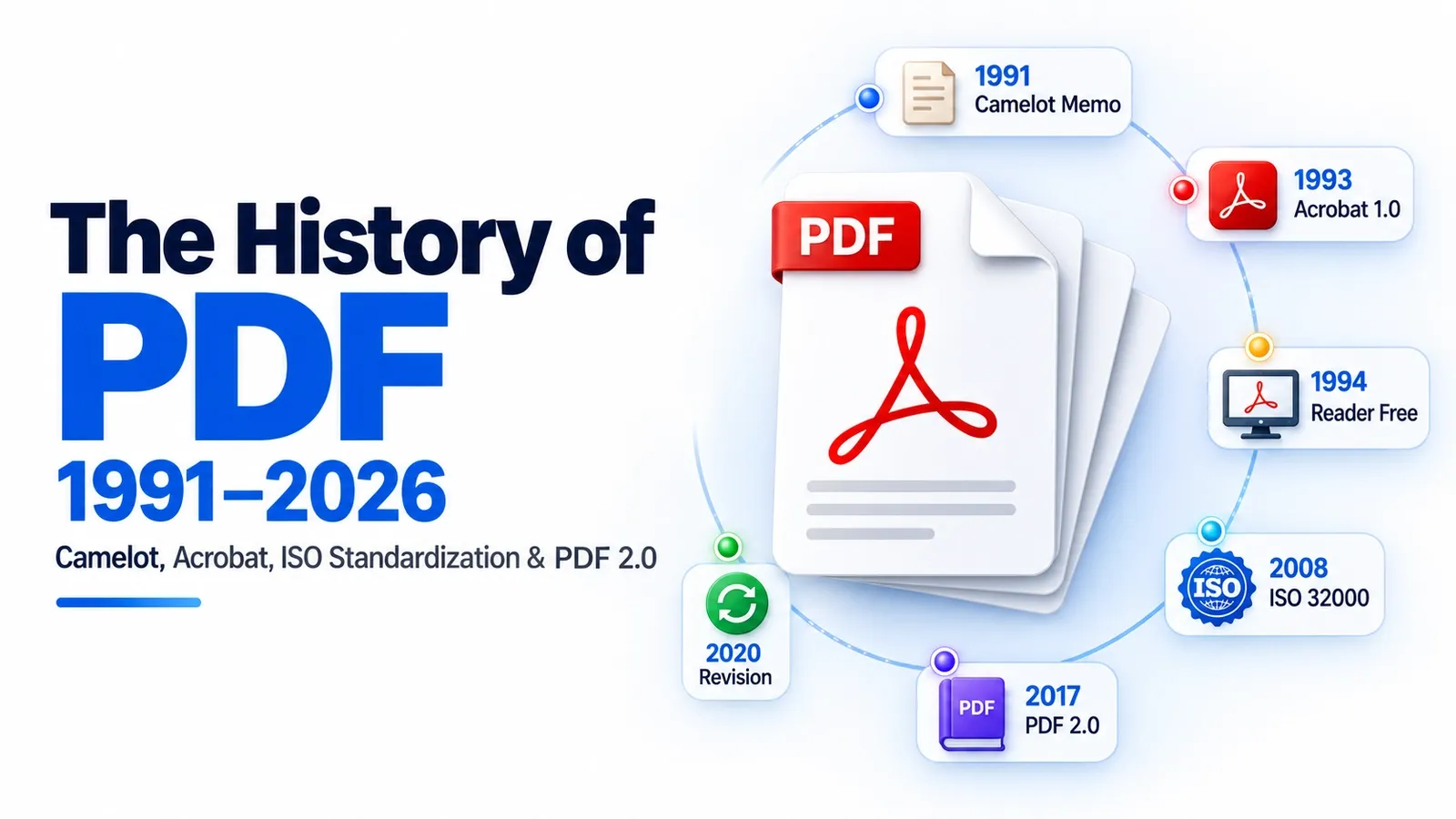
PDF 1.7, released in 2006 with Acrobat 8, was Adobe’s last main version of the PDF specification before the format moved into ISO standardization. In 2008, that version was frozen as ISO 32000-1.
In the version timeline, PDF 1.7 matters less because of a huge new feature and more because of its handoff role. It marked the end of Adobe-only version control and became the base document that ISO used for the first international PDF standard.
PDF 1.7 did not introduce the kind of headline syntax change that earlier versions did. Its real importance is historical and structural: it became the bridge between Adobe’s Acrobat-driven PDF releases and the ISO-controlled PDF standard.
The full details of ISO 32000-1 belong in the ISO 32000 guide. For this version-history article, the main point is simple: PDF 1.7 was the final Adobe-era version, and ISO 32000-1 turned that version into the first official ISO PDF standard.
What Are Adobe Extension Levels?
After PDF 1.7, Adobe added new features through numbered Adobe extension levels layered on top of the 1.7 specification, especially during the Acrobat 9 era. These extension levels acted as a bridging system between PDF 1.7 and the later ISO-controlled PDF 2.0.
An ExtensionLevel told software that a PDF still followed the PDF 1.7 base, but also used extra Adobe-defined features beyond the original 1.7 specification. This let Adobe keep adding capabilities without creating a full PDF 1.8 version.
The important detail is that extension levels were not the same as a clean new ISO version. They were Adobe’s way of extending PDF 1.7 while the format was moving toward a more formal standards path.
A good example is ExtensionLevel 3. It introduced AES-256 encryption years before ISO 32000-2 made that stronger encryption part of the official PDF 2.0 standard.
So Adobe extension levels were a temporary bridge. They kept PDF moving after PDF 1.7, but their long-term role was to carry useful Adobe-era features forward until ISO folded them into the PDF 2.0 generation.
What Is New in PDF 2.0 (ISO 32000-2)?
PDF 2.0, published as ISO 32000-2 in 2017 and revised in 2020, added AES-256 encryption, richer tagging, page-level output intents, and unencrypted wrappers. It also removed Adobe-only and deprecated features from the official version line.
The security change was one of the clearest technical upgrades. AES-256 gave PDF 2.0 stronger modern encryption support than the older security options used in earlier PDF generations.
The tagging improvements also mattered. Richer tagging made it easier for a PDF to carry document structure in a cleaner, more predictable way, which helped accessibility, reflow, search, and machine reading.
Page-level output intents gave files more precise control over output behavior at the page level instead of treating the whole document as one flat output target. Unencrypted wrappers also gave the format a cleaner way to carry protected content while keeping some wrapper information readable.
The bigger change was governance. PDF 2.0 did not simply add one flashy feature and move on. It cleaned up the format by removing Adobe-only behavior and deprecated features, making it the first PDF version without a single vendor’s proprietary features inside the official standard.
The detailed rules of ISO 32000-2 belong in the ISO 32000 guide. For version history, the key point is that PDF 2.0 turned PDF into a cleaner, ISO-controlled format rather than another Adobe-era product release.
How Do You Tell Which PDF Version a File Uses?
You can tell which PDF version a file uses by checking the %PDF- header in a text editor or by opening Document Properties in your PDF reader.
The header method is the simplest manual check. Open the PDF in Notepad, TextEdit, or another plain text editor and look at the first line. It should start with something like %PDF-1.7 or %PDF-2.0, which tells you the declared version of the file.
The reader method is easier for normal users. Open the file in a PDF reader, go to Document Properties, and look for the PDF version or compatibility information. This is useful when you do not want to open the raw file data.
One small detail can confuse people: the header version and feature support do not always tell the whole story. A file may say %PDF-1.7 in the header but still use Adobe extension-level features layered on top of PDF 1.7. That is why extension levels can make a file behave newer than the main version number suggests.
For a quick check, the Notepad trick is usually enough. Open the PDF as text, read the first line, and you can spot a header like %PDF-2.0 without installing any special tool.
What Is the ISO 32000 Standard?
ISO 32000 is the international specification behind modern PDF versions, with ISO 32000-1 standardizing PDF 1.7 and ISO 32000-2 defining PDF 2.0.
For the full standard breakdown, read ISO 32000 explained, where the PDF specification, governance, version split, and practical meaning are covered in detail.
Which PDF Subsets Exist?
The PDF has ISO subset standards for specific jobs, including PDF/A for archiving, PDF/X for print, PDF/UA for accessibility, and PDF/E for engineering documents.
For a practical comparison of these formats, read PDF/A vs PDF/X vs PDF/UA, where the main PDF subtypes are compared by purpose, use case, and document requirement.