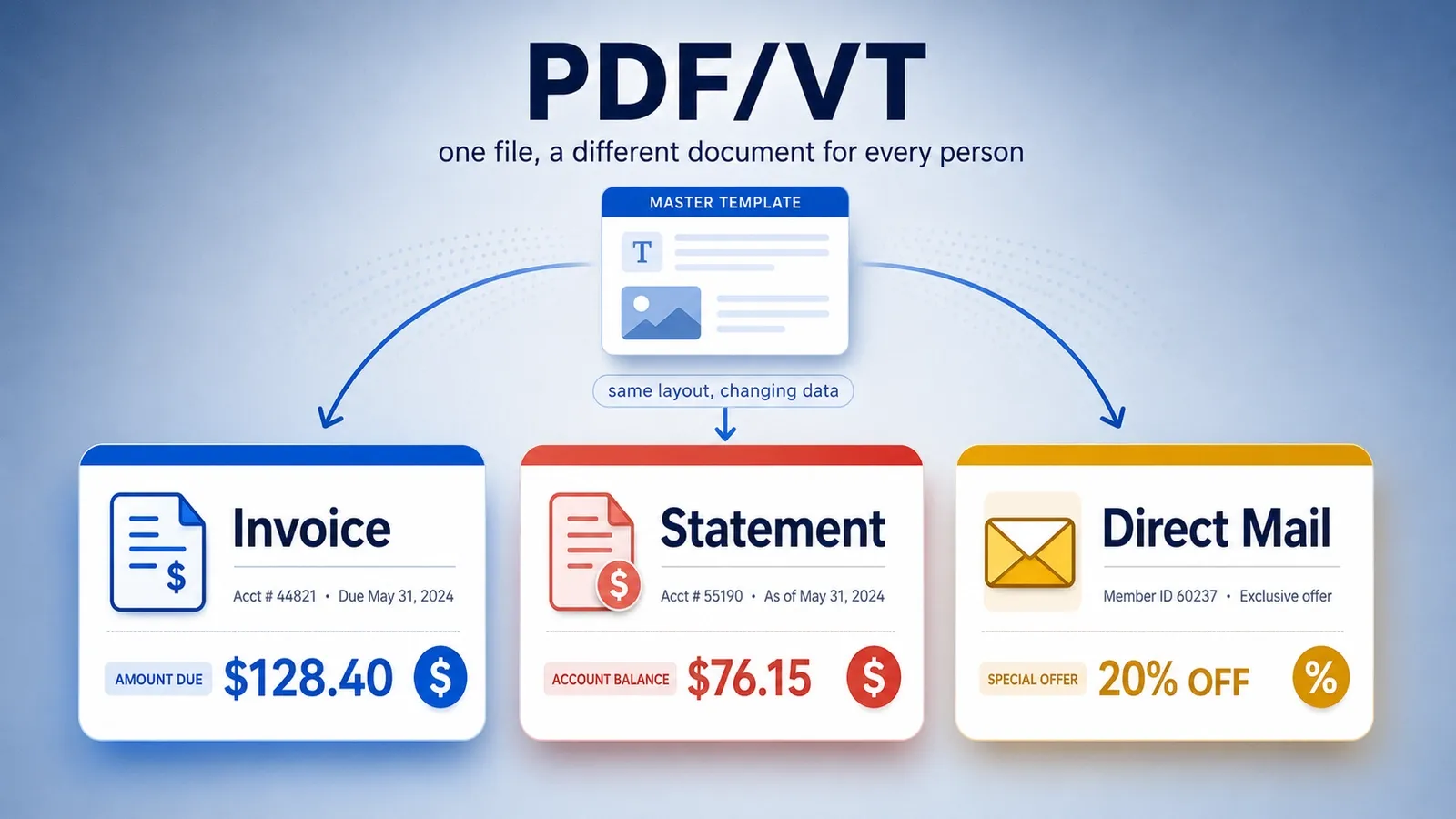
PDF/VT carries content that changes for each person, plus the extra data a press needs to print thousands of personal documents quickly. It is made for variable data printing, where names, addresses, offers, account details, barcodes, images, or messages can change from one printed record to the next.
The standard behind PDF/VT is ISO 16612. It gives print production systems a structured way to handle personalized print jobs as PDF files instead of loose records, separate assets, and disconnected instructions.
Two ideas make PDF/VT useful in fast print workflows. Document Part Metadata marks where each person’s document starts and ends, while the DPart hierarchy gives the file a document-part outline that a print system can follow.
Reusable objects are the other part of the speed story. If the same logo, background, chart style, coupon design, or artwork appears across thousands of records, the press can reuse that repeated art instead of processing it from scratch every time. On a job of a hundred thousand records, that is the difference between hours and minutes of processing.
PDF/VT also connects to print standards such as PDF/X-4 and PDF/X-5. These standards help control print output, while PDF/VT adds the variable-data structure needed for personalized and transactional jobs.
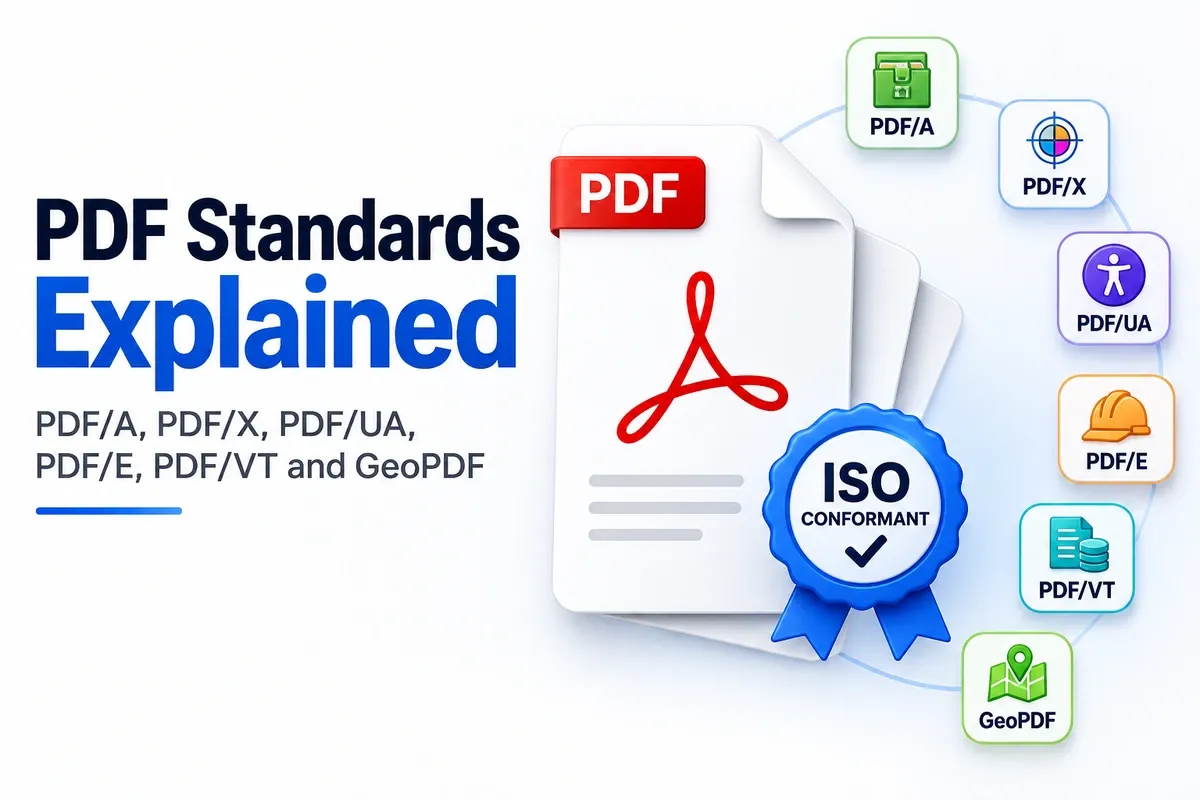
This article explains what a PDF/VT file is, what VT stands for, where PDF/VT is used, which PDF/VT types exist, how it builds on PDF/X-4 and PDF/X-5, and how to make and process one.
What Is a PDF/VT File?
A PDF/VT file is a print-ready PDF, set by ISO 16612, made to carry content that changes for each person in high-volume printing.
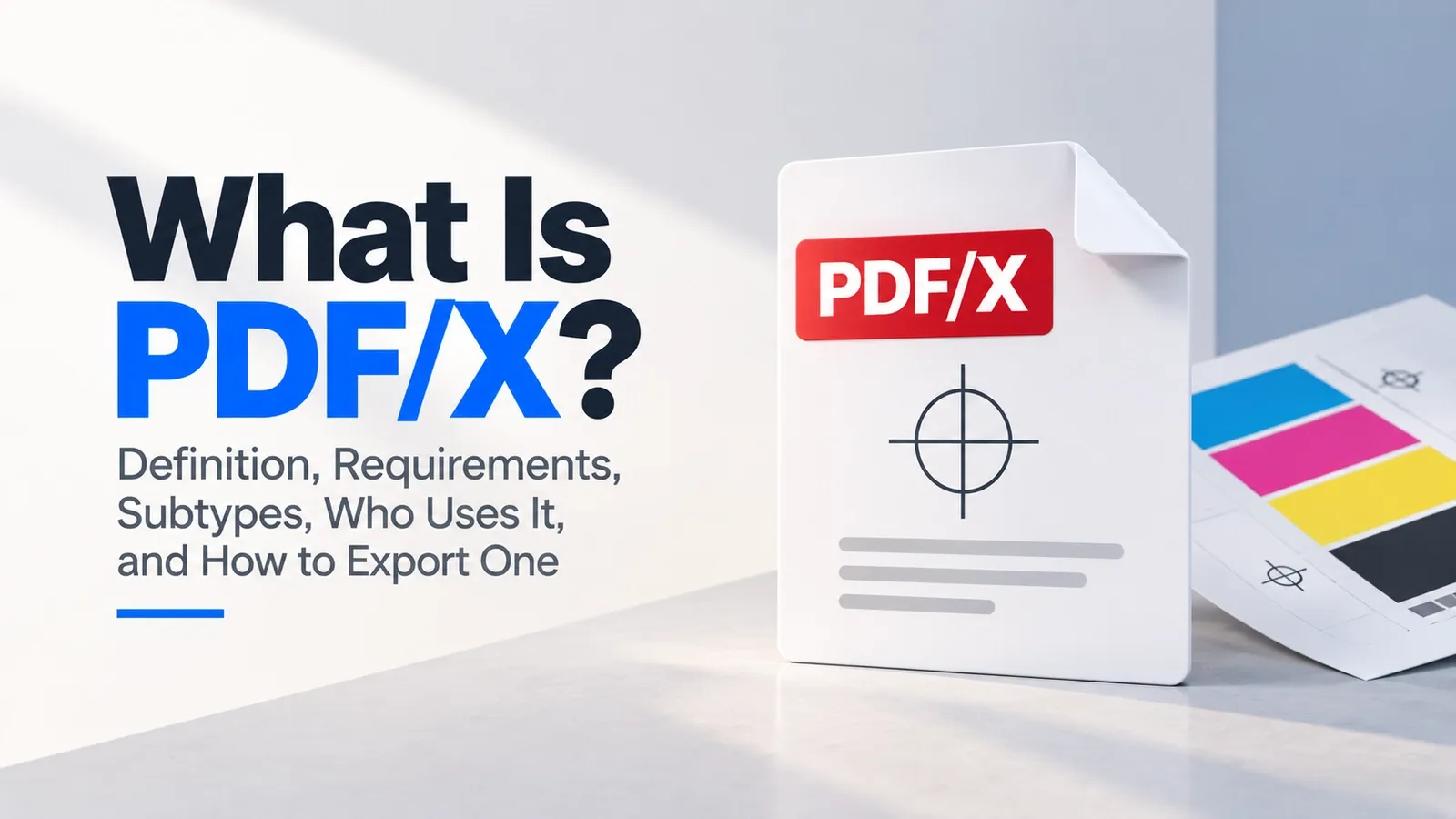
It is a special kind of PDF/X built for variable-data printing. Instead of preparing one identical document for every recipient, a PDF/VT file can carry repeated design elements along with changing names, addresses, account details, offers, barcodes, images, or messages.
The format is built for print production systems. It helps a press workflow process many personalized records as one structured print job, instead of treating every version as a separate loose file.
PDF/VT is a printing format, not mainly a viewing format. Someone may open the file in a normal PDF reader, but that is not the main point of the standard.
The real target is a print engine and its RIP, or Raster Image Processor. The RIP prepares the PDF pages for output on a digital press, and PDF/VT gives it the structure needed to handle variable records quickly and consistently.
So a PDF/VT file is not just a personalized PDF. It is a print-ready, standards-based PDF that helps production systems print thousands of changing documents without losing control of the job.
What Does PDF/VT Stand For?
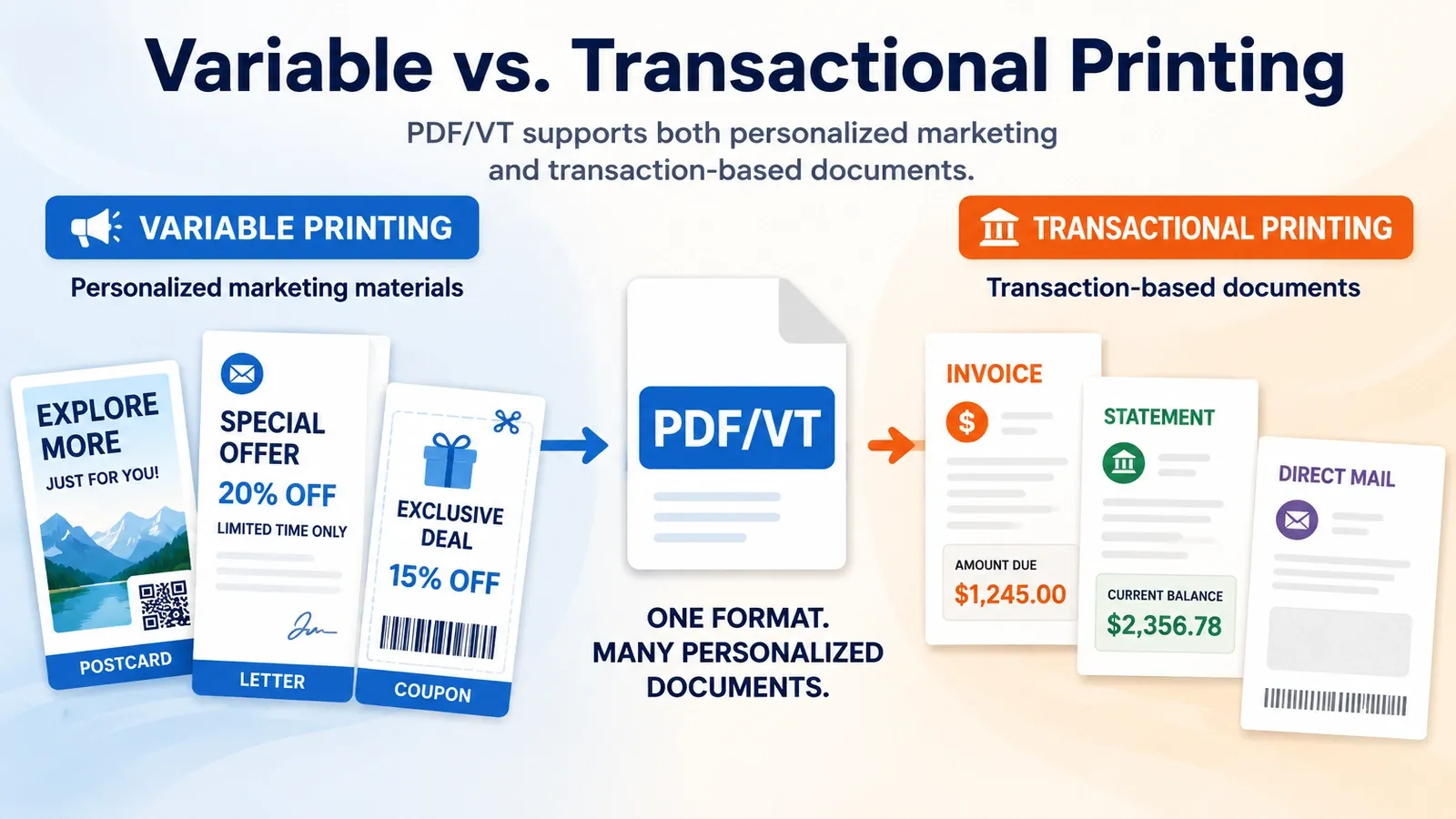
PDF/VT stands for PDF for Variable and Transactional printing.
The “V” means variable printing. In this kind of job, parts of the printed piece change for each recipient, such as a customer name, address, offer, image, coupon code, QR code, or product recommendation.
A simple example is personalized marketing. One person may receive a postcard with a discount for running shoes, while another receives the same layout with a discount for winter jackets. The design stays mostly the same, but the message changes through personalization.
The “T” means transactional printing. These are documents created from a transaction, account, bill, service, or record.
Common transactional examples include invoices, bank statements, insurance notices, utility bills, healthcare statements, and account summaries. The layout may repeat, but the numbers, dates, balances, and account details change for each person.
PDF/VT also supports transpromo work, where a transactional document includes a promotional message. For example, a monthly statement may include a personalized offer based on the customer’s account activity.
So the name explains the job. Variable printing covers personalized marketing, while transactional printing covers invoices, statements, and other record-based documents that change from person to person.
Where Is PDF/VT Used?
PDF/VT is used for variable-data print jobs such as direct mail, personalized marketing, invoices, statements, and transpromo mail.
It appears in print workflows where the layout may stay mostly the same, but the recipient data changes from record to record. One customer may get one offer, address, account balance, barcode, or message, while another customer receives a different version in the same print run. Common PDF/VT uses include:
- Direct mail: Businesses use PDF/VT for postcards, letters, coupons, catalogs, and promotional mail where each recipient can receive a personalized name, offer, image, QR code, or call to action.
- Personalized marketing: A campaign can keep the same design while changing the message, product recommendation, discount, or local store information for each person.
- Invoices: Billing teams use PDF/VT when each customer needs a different invoice number, line item, payment amount, due date, address, and account detail.
- Statements: Banks, insurers, utilities, healthcare providers, and service companies can produce account statements where the format repeats but the data changes for each customer.
- Transpromo mail: A transactional document can also carry a promotional message. For example, a monthly statement may include a personalized upgrade offer, renewal reminder, or cross-sell message.
The industry term for large billing and account-document production is high-volume transactional output. That means PDF/VT is not for home printing or small one-off documents. It is made for big print environments where thousands or millions of personalized records need to be printed, sorted, finished, and mailed accurately.
Typical users include print service providers, banks, insurers, telecom companies, utilities, healthcare organizations, government agencies, and large companies that send customer documents at scale.
Which Types of PDF/VT Files Exist (PDF/VT-1, PDF/VT-2, PDF/VT-3)?
The main PDF/VT types are PDF/VT-1, PDF/VT-2, PDF/VT-2s, and PDF/VT-3. PDF/VT-1 keeps everything in one file, PDF/VT-2 can point to outside content, PDF/VT-2s is streamed for print pipelines, and PDF/VT-3 is the PDF 2.0 version.
Each type is a different conformance level, so the difference is not only the name. The level tells a print workflow what the file is allowed to contain and how it should be processed.
| Type | What It Allows | Standard Family |
|---|---|---|
| PDF/VT-1 | All variable data, repeated artwork, metadata, and print content stay inside one self-contained PDF file | ISO 16612-2 |
| PDF/VT-2 | The PDF/VT file can reference external content, such as shared resources used by the print job | ISO 16612-2 |
| PDF/VT-2s | A streamed form of PDF/VT-2, packaged so a print pipeline can start receiving and processing the job sequentially | ISO 16612-2 |
| PDF/VT-3 | The newer PDF 2.0 version of PDF/VT, built for the latest print-standard stack | ISO 16612-3 |
PDF/VT-1 is the simplest to understand because the full job lives in one PDF. The print system does not need to fetch external assets to process the job, which makes the file easier to check and move.
PDF/VT-2 is more flexible because it can reference outside content. That can help in production workflows where large shared assets are reused across many records, but it also means the external resources must be available and managed correctly.
PDF/VT-2s is the detail many short overviews skip. The “s” refers to a streamed version, where the file is packaged for print pipelines that need to receive and process data in order instead of waiting for one complete static file.
PDF/VT-3 is the newer version connected to PDF 2.0. It updates the PDF/VT idea for the newer PDF standard generation, while PDF/VT-1 and PDF/VT-2 belong to ISO 16612-2.
So the practical split is use PDF/VT-1 when the job should stay fully self-contained, PDF/VT-2 when the workflow can manage external resources, PDF/VT-2s when streaming matters, and PDF/VT-3 when the workflow supports the newer PDF 2.0-based standard.
How Is PDF/VT Related to PDF/X-4 and PDF/X-5?
PDF/VT is built on PDF/X print standards. PDF/VT-1 and PDF/VT-2 are built on PDF/X-4 and PDF/X-5, so a PDF/VT file follows their color, transparency, font, image, and output intent rules.
The relationship works like a standards stack. A PDF/VT file must first behave like a valid PDF/X file for print production. Then PDF/VT adds the variable-data structure needed for personalized or transactional print jobs.
| PDF/VT Type | PDF/X Base | What That Means |
|---|---|---|
| PDF/VT-1 | PDF/X-4 | The variable-data job stays in one file and follows PDF/X-4 print-production rules |
| PDF/VT-2 | PDF/X-5 | The job can use external content while still following PDF/X-5 print-production rules |
| PDF/VT-3 | PDF/X-6 | The newer PDF 2.0 version builds on the newer PDF/X-6 print standard |
PDF/X handles print reliability. It controls things such as color management, transparency behavior, image handling, embedded fonts, and the output condition the press should use.
The output intent tells the print workflow what printing condition the file is prepared for. That helps the RIP and press handle color more predictably, rather than each device interpreting the file its own way.
PDF/VT adds the variable-data layer on top of that print base. It gives the print system record structure, document-part information, and reusable content handling for jobs where each recipient may receive different pages or data.
How Do You Create and Process a PDF/VT File?
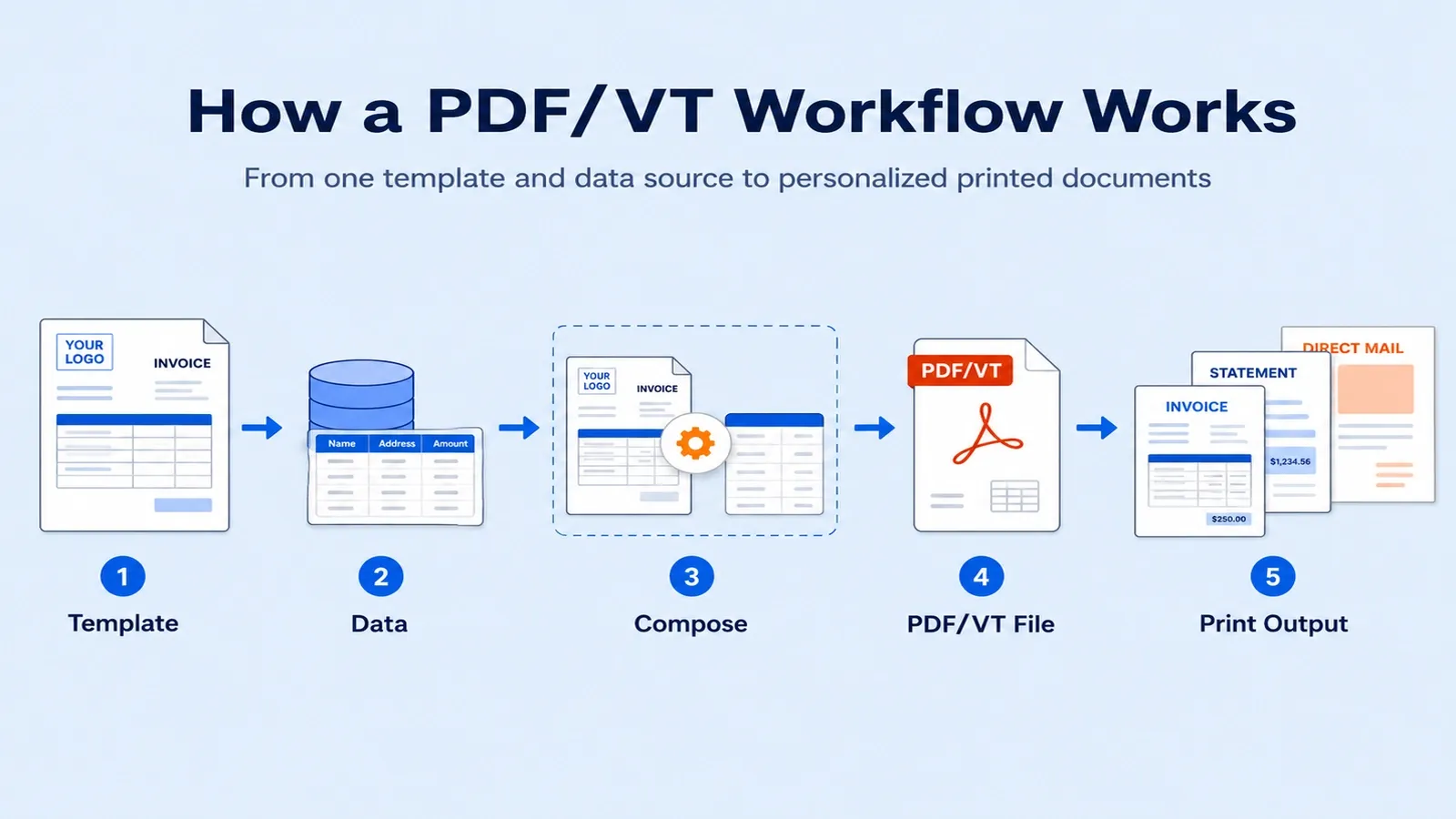
Make a PDF/VT file with a variable-data composition tool that writes the metadata and document-part outline, then run it through a print engine that supports PDF/VT.
The workflow starts with a fixed design, a data source, and rules for what changes in each record. The composition tool combines the template with names, addresses, account details, offers, barcodes, images, or messages from a database.
During export, the tool builds the DPart hierarchy. This document-part outline tells the print workflow where each recipient’s document begins and ends, so the job can be split, tracked, sorted, and finished by record.
It also marks record boundaries. Those boundaries help stop one customer’s pages from being mixed with another customer’s pages in a large print run, which matters most on statements and invoices where a misdelivered page is a privacy problem.
PDF/VT can also define reusable objects. If the same logo, background, form layout, chart style, or artwork appears across thousands of records, the print system can reuse that object instead of processing it again for every recipient.
The processing side depends on a PDF/VT-aware RIP. A RIP that understands PDF/VT can read the document-part metadata, separate records, reuse repeated art, and prepare the job for high-volume output more efficiently.
On a basic print engine, the same file may still print, but the speed benefit can disappear. If the engine does not understand PDF/VT structure, it may treat repeated content like normal page content and process the job more slowly.
So the real workflow is to create the PDF/VT with proper record metadata and reusable content, then process it on a PDF/VT-aware print engine that can use that structure.
What Is Document Part Metadata (DPM) in PDF/VT?
Document Part Metadata is extra data attached to a document-part outline that marks where each person’s document starts and ends inside a PDF/VT file.
In a large PDF/VT job, one file may contain thousands of personalized documents. The DPart hierarchy gives that huge file an internal outline, so the print system can understand which pages belong to which customer, account, invoice, statement, or mail piece.
DPM adds useful information to those parts. It can mark record boundaries, identify each record, and help the production workflow handle every person’s document as a separate unit inside one larger print job.
That structure is important for finishing. A print workflow may need to fold, cut, staple, insert, group, sort, tray, or mail each recipient’s pages correctly. DPM gives the system the record-level information needed to do that without treating the whole PDF as one long undivided document.
It also supports per-record processing. That means one customer’s statement, invoice, or personalized mail piece can be tracked, finished, sorted, or handled separately from the next customer’s record.
This is the core idea behind PDF/VT. Document Part Metadata turns one huge print PDF into thousands of separate records that a print engine can understand, process, and send through production in the right order.
What's the Difference Between PDF/VT and PPML?
PPML is an XML-based variable-data format for variable printing. PDF/VT keeps the job in one self-describing PDF built on PDF/X.
The main difference is how the job holds its content. PPML often describes the print job and points to outside files, such as images, graphics, reusable assets, or other resources that the production system must collect and process.
PDF/VT is designed to be a more complete PDF package. In many workflows, it keeps the print content, record structure, metadata, and reusable objects inside one checked PDF file.
That is why PDF/VT is often chosen for reliability. A self-contained PDF gives the print team fewer moving parts to manage, because the file can be checked, preflighted, transferred, archived, and processed as a single production object.
PPML still appears in some variable-print workflows, especially older production systems, vendor-specific setups, and environments already built around PPML assets and job instructions.
The practical contrast is simple: PPML can depend on outside parts, while PDF/VT is meant to be one print-ready PDF/X-based file. Fewer external pieces usually means fewer chances for a missing image, broken link, wrong asset version, or production mismatch.
How Does PDF/VT Relate to the Other PDF Print Standards?
PDF/VT sits in the PDF print family next to PDF/X, adding the variable data layer that plain PDF/X does not have.
PDF/X makes a file reliable for print production, while PDF/VT makes that print-ready file work for personalized and transactional print jobs.
PDF/X controls the print side, such as output intent, fonts, color, images, transparency, and press-ready requirements. PDF/VT builds on that print base and adds record structure, document-part metadata, reusable objects, and variable content handling.
That makes PDF/VT a print-focused subtype for high-volume jobs where each recipient may receive different names, addresses, offers, account details, barcodes, pages, or messages.
So PDF/VT does not replace PDF/X. It extends the print-standard family for variable-data production, where the press needs both reliable print rules and record-by-record structure.
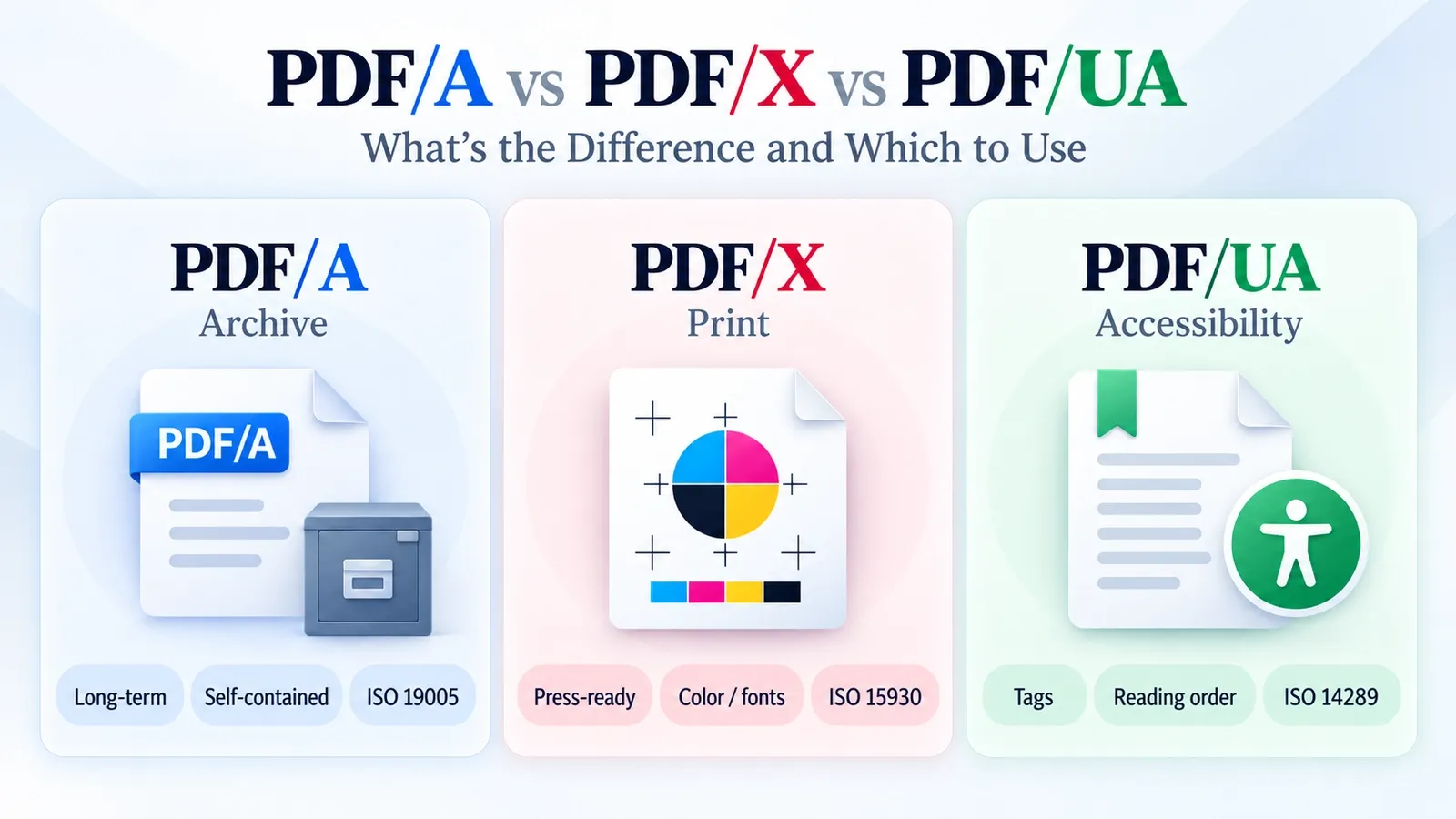
For the broader standards comparison, read the dedicated PDF/A vs PDF/X vs PDF/UA guide.