PDF/X locks the fonts, colors, and print settings into the file so a design can print the same way on a professional printer. It is made for print production, where the printer needs a file that already contains the information required for reliable output.
The standard behind PDF/X is ISO 15930. It adds print-focused rules to PDF so the file can move from designer to printer with fewer missing fonts, color problems, or last-minute prepress questions.
Two ideas matter most when learning PDF/X. An output intent tells the printer the expected printing condition, such as the color profile the file was prepared for. Blind exchange means the printer should be able to receive and process the file without asking the designer for extra fonts, images, profiles, or settings. The type you choose depends on the print job.
| PDF/X Type | Best For |
|---|---|
| PDF/X-1a | Older press workflows that need CMYK or spot colors with flattened transparency |
| PDF/X-3 | Color-managed jobs where ICC profiles are allowed |
| PDF/X-4 | Modern print workflows that support live transparency and color management |
| PDF/X-6 | Newer PDF 2.0-based print workflows |
This article explains what PDF/X is, how it differs from a normal PDF, what a valid PDF/X file needs, and how the main subtypes work. Then it compares PDF/X-1a and PDF/X-4, explains who uses PDF/X, shows why it helps reduce print risk, and walks through how to save or export a file as PDF/X.
What Is PDF/X?
PDF/X is a stricter kind of PDF that follows ISO 15930 rules and is made so a print file can move safely from the designer to the printer.
The “X” means exchange. In print, that exchange happens when a designer, agency, or publisher hands the final file to prepress or a printer and expects the file to work without missing fonts, wrong colors, or extra setup questions.
The goal is a print-ready file the printer can use as is. That is why PDF/X requires the important print information to be inside the file instead of depending on separate fonts, images, profiles, or instructions. The industry name for this is blind exchange - the printer works from the file alone.
PDF/X is not one single format. It is a family of ISO 15930 levels, such as PDF/X-1a, PDF/X-3, PDF/X-4, and PDF/X-6, with each level setting different rules for color, transparency, and modern print workflows.
How Does PDF/X Differ From a Standard PDF?
A standard PDF can leave fonts out, mix color types, and contain elements that do not belong in print, but PDF/X blocks those risks so nothing important is missing when the file reaches the printer. Here is the simple difference.
| Standard PDF Allows | What PDF/X Requires Instead |
|---|---|
| Fonts that are not fully built into the file | Requires embedded fonts so text prints correctly |
| RGB color with no proper profile | Requires print-safe color handling and output conditions |
| Video, buttons, forms, or other interactive content | Removes non-print elements that a press cannot use |
| Loose print settings | Requires print information the printer can process |
| Unclear color behavior | Gives the RIP clearer instructions for output |
A normal PDF can look fine on screen but still print in a way you did not expect. The printer may not have the same font, the color may convert differently, or interactive parts may be ignored during production.
PDF/X is stricter because professional print needs predictable files. It makes the file carry the print information inside the PDF instead of leaving the printer to guess what the designer intended.
So the main difference is control. A standard PDF is flexible for reading, sharing, forms, and digital use, while PDF/X is restricted for reliable print handoff.
What Are the Requirements for a PDF/X File?
A PDF/X file must include embedded fonts, define the printing condition with an output intent, use print-safe color such as CMYK or spot color, and remove moving or clickable parts that do not belong in press output.
The first rule is that every font must be built into the file. This prevents missing-font problems when the file reaches prepress, because the text does not depend on fonts installed on someone else’s computer.
The second rule is the output intent. In plain words, an output intent is an ICC profile saved inside the PDF that tells the printer the exact printing condition the file was prepared for, such as a specific press, paper type, ink setup, or color standard.
That profile matters because color on screen is not the same as color on press. The printer needs to know which output condition the designer expected, so the file can be processed with the right color assumptions. A print-ready PDF/X file should also have the correct page size, trim size, bleed settings, and image resolution required for the final print job.
A PDF/X file also removes non-print elements. JavaScript, video, audio, 3D objects, forms, and other moving or clickable parts are not allowed because a printing press cannot use them.
So the basic requirement is simple: a PDF/X file must carry the fonts, color intent, and print conditions inside the file, while blocking anything that could make the final printed result unpredictable.
What Are the PDF/X Subtypes, and What Does Each Do?
The main PDF/X subtypes are PDF/X-1a, PDF/X-3, PDF/X-4, and PDF/X-6. Each one sets different rules for color handling, transparency, and the PDF version it is built on.
| PDF/X Subtype | What It Does | PDF Version Behind It | Best For |
|---|---|---|---|
| PDF/X-1a | Uses CMYK or spot color and requires flattened transparency | PDF 1.3 | Older press workflows that need strict, predictable print files |
| PDF/X-3 | Allows color-managed workflows with ICC profiles | PDF 1.3 | Jobs where color profiles are allowed and the printer can manage color |
| PDF/X-4 | Keeps live transparency, layers, and color-managed objects | PDF 1.6 | Modern printers, digital presses, and workflows that support live transparency |
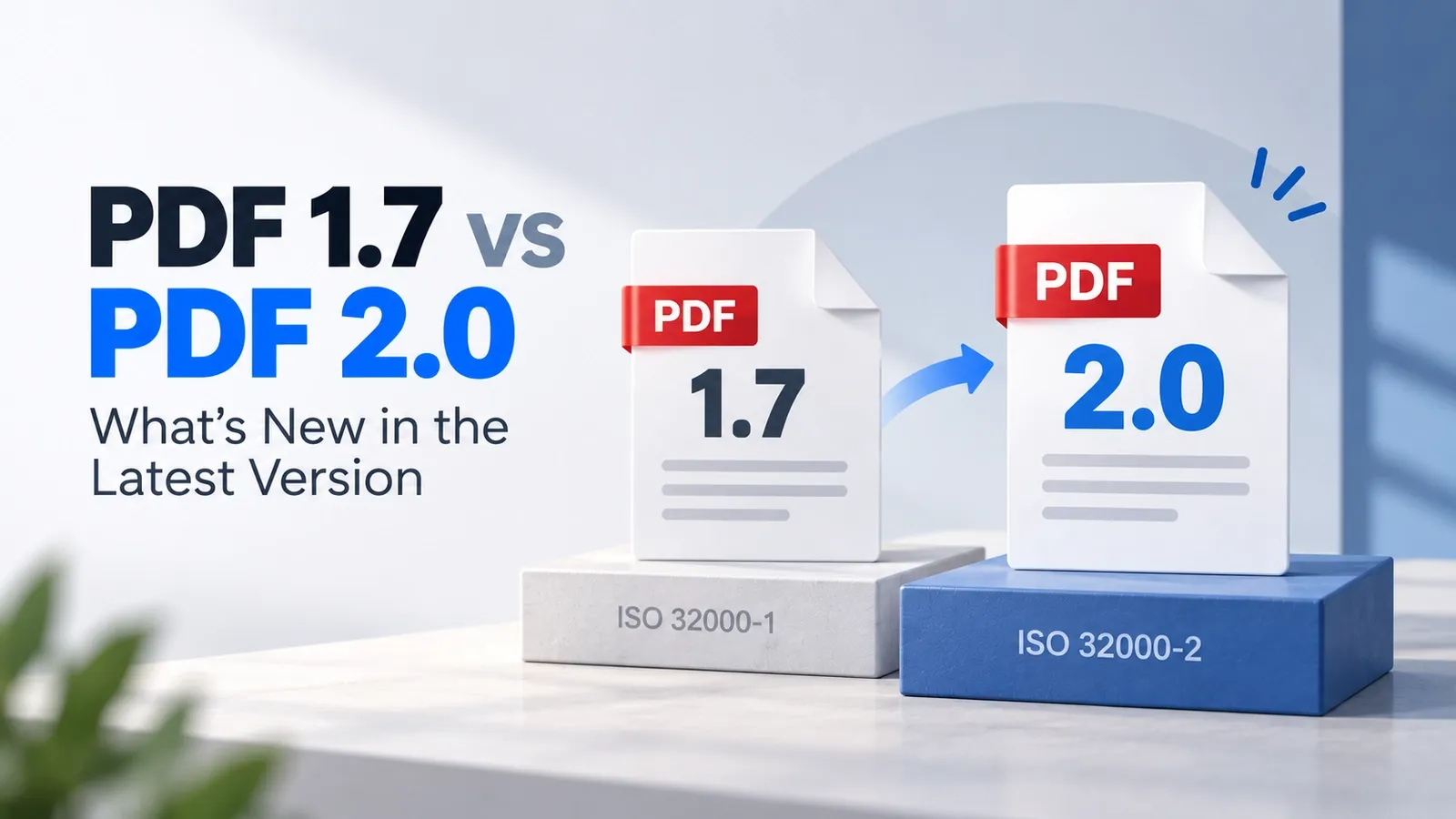
| PDF/X-6 | Updates PDF/X for newer PDF 2.0-based production workflows | PDF 2.0 | Advanced modern print workflows built around the newer PDF standard |
PDF/X-1a is the strict older option. It expects CMYK or spot color and does not keep live transparency, so transparent objects must be flattened before the file goes to the printer.
PDF/X-3 gives more room for color management. Instead of forcing everything into one final color space early, it allows ICC-based color profiles when the print workflow can handle them correctly.
PDF/X-4 is the modern common choice for many print jobs. It can keep live transparency and layers, which makes it safer for complex layouts created in tools like InDesign or Illustrator.
PDF/X-6 is the newer subtype built for PDF 2.0 workflows. It carries the PDF/X idea forward for newer print systems that support the latest PDF specification.
Other PDF/X variants also exist, including PDF/X-2 and the PDF/X-5 and PDF/X-6 families. However, PDF/X-1a, PDF/X-3, PDF/X-4, and PDF/X-6 cover almost every professional print workflow you are likely to encounter today.
The main differences are: PDF/X-1a is strict and older, PDF/X-3 is color-managed, PDF/X-4 is modern and transparency-friendly, and PDF/X-6 belongs to newer PDF 2.0-based print production.
What's the Difference Between PDF/X-1a and PDF/X-4?
PDF/X-1a flattens all transparency and allows only CMYK and spot color while PDF/X-4 keeps live transparency, layers, and color managed with profiles.
A printer may still ask for PDF/X-1a when the press workflow is older, strict, or built around predictable flattened files. Since the transparency is already flattened and the color is already limited, older RIPs and prepress systems have less live artwork to interpret.
The problem is that transparency flattening can change how the final print looks. It may affect overprint behavior, create stitching lines, change thin lines, or alter small details where transparent objects overlap.
PDF/X-4 works better with newer printers and digital presses because it keeps live transparency instead of flattening the artwork too early. That gives the RIP more original design information to process cleanly.
PDF/X-4 also handles ICC-managed color more flexibly. The file can keep color profiles, and the print workflow can manage conversion more accurately when the printer supports profile-based color.
The practical choice is simple. Use PDF/X-1a only when the printer specifically asks for a flattened older file. Use PDF/X-4 when the printer supports modern transparency, layers, and color-managed workflows.
Who Uses PDF/X, and When Should You?
Print buyers, prepress staff, commercial printing teams, and packaging printers use PDF/X when a file is ready for final handoff to a press.
PDF/X is used in jobs where the printed result needs to match the approved design as closely as possible. This includes brochures, magazines, catalogs, posters, books, labels, product boxes, packaging artwork, and other files sent to professional printers.
A designer or agency may create the artwork, but the PDF/X file is usually needed when the job moves from design approval to production. That is the point where the printer needs a file with fonts, colors, output intent, and print settings already locked in.
The right time to switch to PDF/X is the final handoff, after the proof is approved. It is usually not the best working format while the design is still being edited, reviewed, or changed by different people.
This matters because PDF/X is meant to reduce production risk, not make early editing easier. Once the design is approved and no major changes are expected, exporting a PDF/X gives the printer a safer print-ready file to check, process, and send toward press.
What Are the Advantages of Using PDF/X?
PDF/X takes the guesswork out of printing by giving the printer predictable color, built-in fonts, clear print settings, and fewer chances of file rejection or costly reprints. Below are the main advantages of using PDF/X.
- Color consistency from proof to press: A PDF/X file carries the production details the printer needs, so the final output is more likely to match the approved design, proof, and color expectations.
- Fewer missing-font problems: Since fonts are built into the file, the printer is less likely to stop the job because a required typeface is missing or replaced.
- Predictable color from proof to press: PDF/X helps the print workflow understand the intended color conditions, which reduces unexpected color shifts between the design file, proof, and final print.
- Faster proofing: When the file follows a known print standard, prepress teams can check it faster and focus on real production issues instead of basic setup mistakes.
- Lower risk of file rejection: A valid PDF/X file is less likely to be rejected for missing fonts, unclear print settings, unsupported elements, or incomplete production information.
- Lower reprint cost: A rejected file can delay the job, and a wrong print run can create extra reprint cost. PDF/X is the cheapest way to reduce that risk before the file reaches the press.
For designers, agencies, publishers, and print buyers, the main gain is less risk and lower cost. PDF/X makes the final handoff cleaner, easier to check, and safer for professional print production.
How Do You Export or Save a File as PDF/X?
Save a file as PDF/X from the app you designed it in, such as InDesign or Illustrator. Choose a PDF/X preset, then select the correct output intent for the printer or press condition.
InDesign export is one of the most common routes. In the export settings, choose Adobe PDF as the format, then pick the PDF/X preset your printer asked for, such as PDF/X-1a or PDF/X-4.
Illustrator follows a similar process. Save or export the artwork as a PDF, choose the required PDF/X preset, and make sure the color and compatibility settings match the print workflow.
The output-intent profile is the part you should check carefully. It should match the printer’s required ICC profile, paper type, press condition, or regional print standard.
A file can still pass a PDF/X check with the wrong output intent. The file may be technically valid, but the color can print wrong if the profile does not match the printer’s actual setup.
After export, check the file with a preflight tool before sending it. Preflight can confirm whether the file follows the selected PDF/X rule, has fonts embedded, includes the output intent, and avoids unsupported print elements.
The safest workflow is to ask the printer which PDF/X type and profile they want, export with that preset, run preflight, and send the final print-ready file only after the check passes.
How Do PDF/X, PDF/A, and PDF/UA Compare?
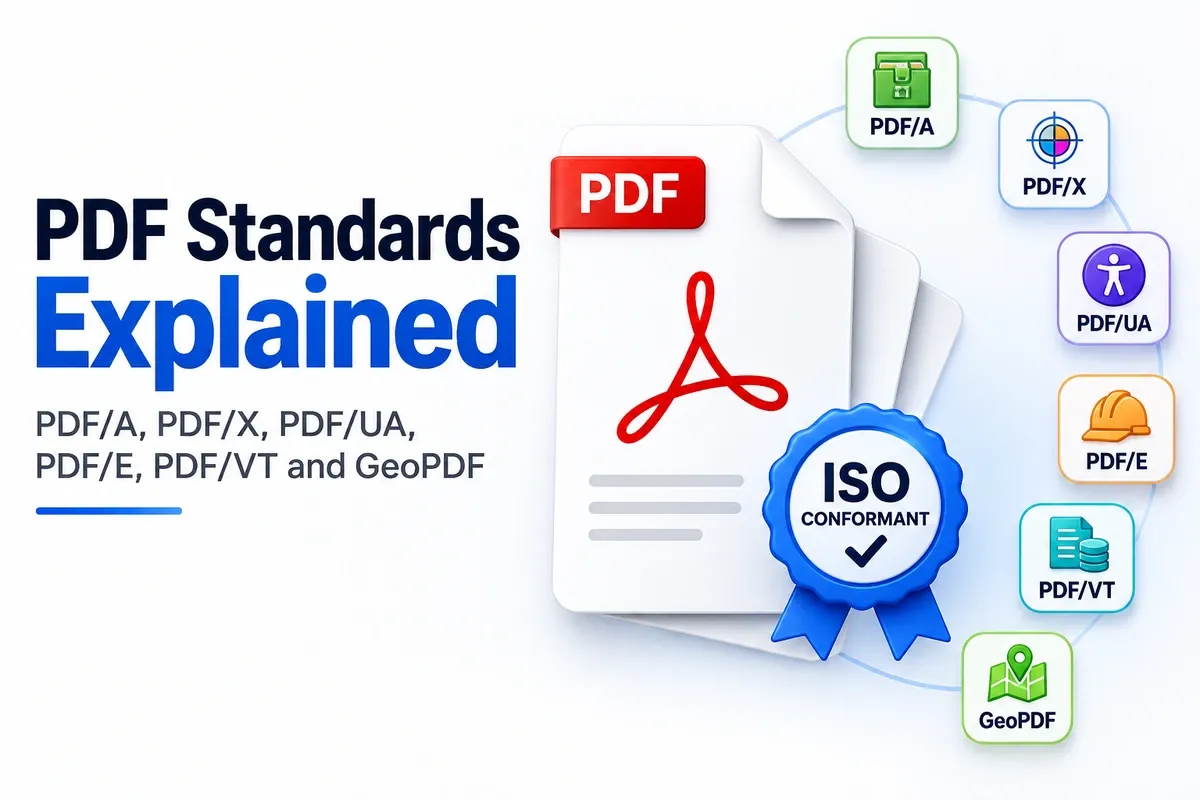
PDF/X is for printing, PDF/A is for long-term storage, and PDF/UA is for accessibility. They are three separate ISO standard families, and each one solves a different document problem.
The simple comparison is PDF/X makes a file safer for print production, PDF/A preserves a file for future opening and archiving, and PDF/UA makes a file easier for assistive technology to read.
Each family also has its own subtype or conformance levels. PDF/X includes levels such as PDF/X-1a and PDF/X-4, PDF/A includes archival levels such as PDF/A-1, PDF/A-2, PDF/A-3, and PDF/A-4, and PDF/UA focuses on accessibility rules for tagged, readable PDFs.
For the full side-by-side explanation, read the dedicated PDF/A vs PDF/X vs PDF/UA guide.
Which ISO Standard Defines PDF/X (ISO 15930)?
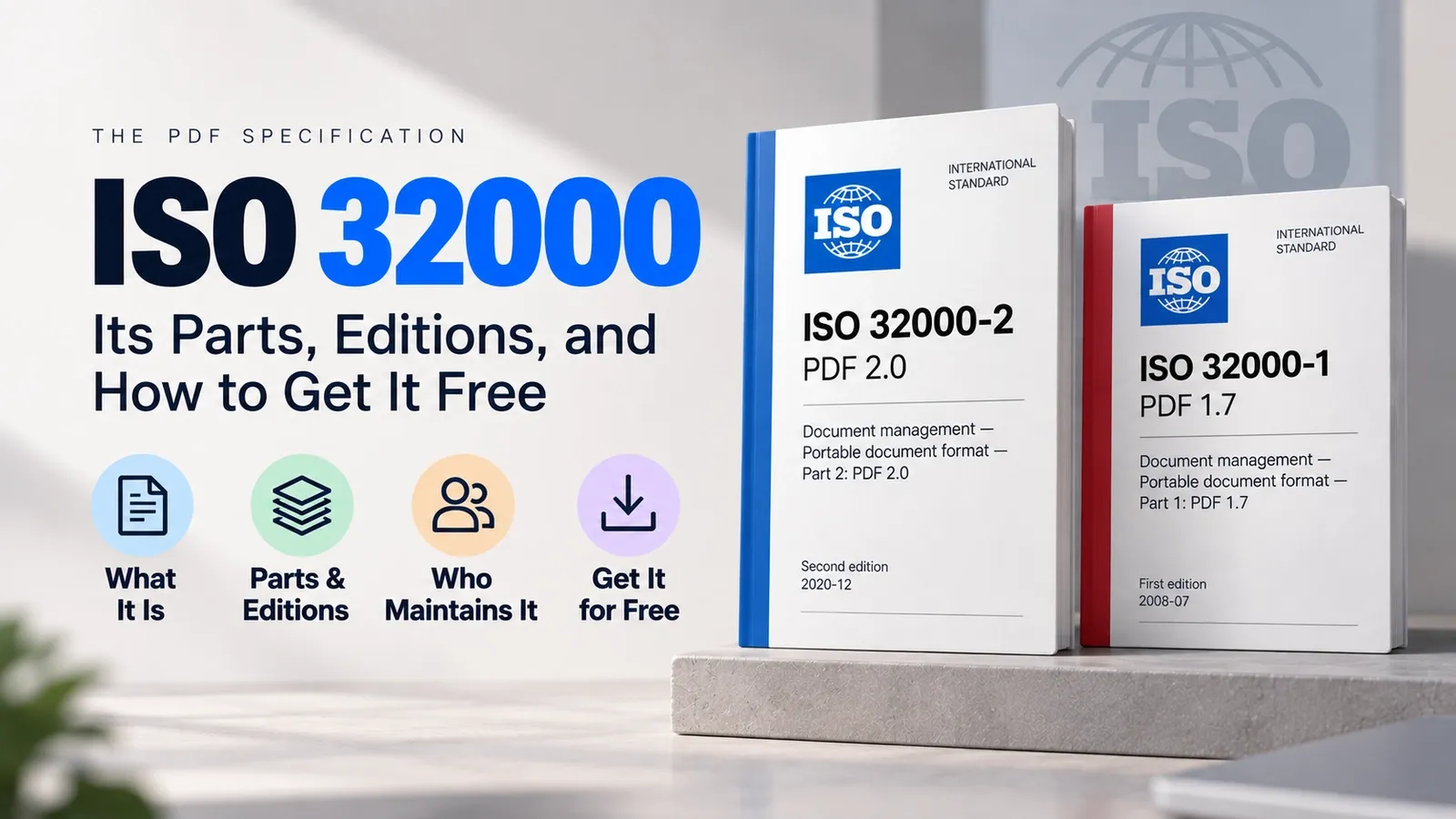
ISO 15930 defines PDF/X. It adds print-production rules on top of ISO 32000, the core PDF specification that defines how PDF itself works.
Think of the standards in two layers. ISO 32000 defines the base PDF format, while ISO 15930 defines the extra rules a file must follow to qualify as PDF/X for professional printing.
Those PDF/X rules create different parts and levels, such as PDF/X-1a, PDF/X-3, PDF/X-4, and PDF/X-6. Each part or conformance level controls what the file can contain, how color is handled, and which print conditions must be declared.
This distinction is important because PDF/X is not a replacement for the main PDF standard. It is a print-focused standard built on top of the PDF standard.
For the full explanation of the base PDF standard, read the dedicated ISO 32000 explained guide.