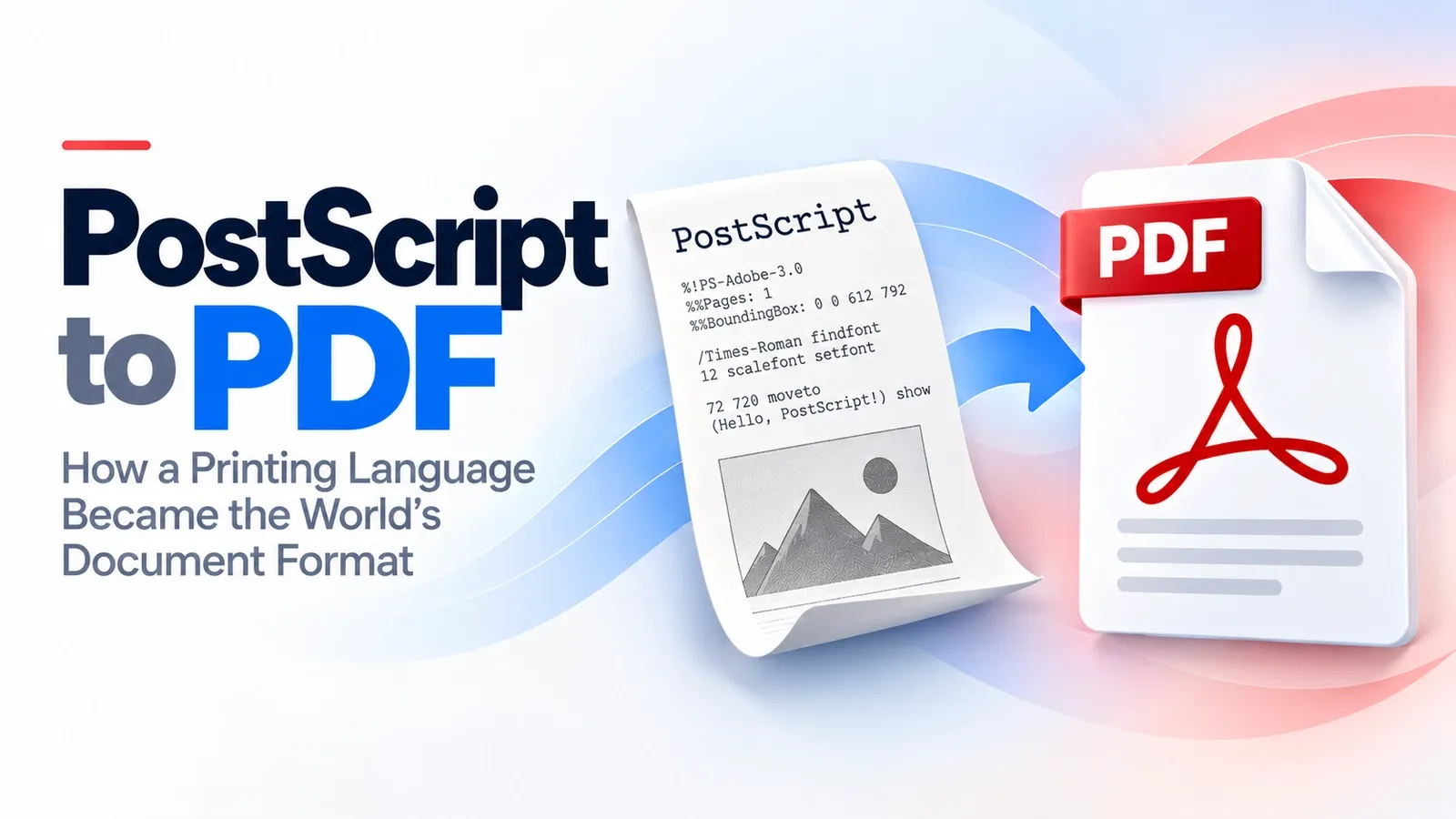
PostScript changed publishing by giving printers exact instructions for drawing a page. PDF took that idea and turned the finished page into a document anyone could open, share, and print with the same fixed layout.
PDF did not become useful by being a bigger version of PostScript. It became useful by acting like a deliberately trimmed-down subset of PostScript’s page system. It kept the imaging model, fonts, graphics behavior, and page geometry. It changed the file into a structured document with predictable navigation. It removed the general programming parts that made PostScript difficult to treat like a normal document.
That technical difference is the heart of the history. PostScript worked like a program that runs from top to bottom, so a viewer could not simply jump to page 50 without processing the pages before it. PDF solved that by storing the finished page result in a document structure built for opening, searching, sharing, and printing.
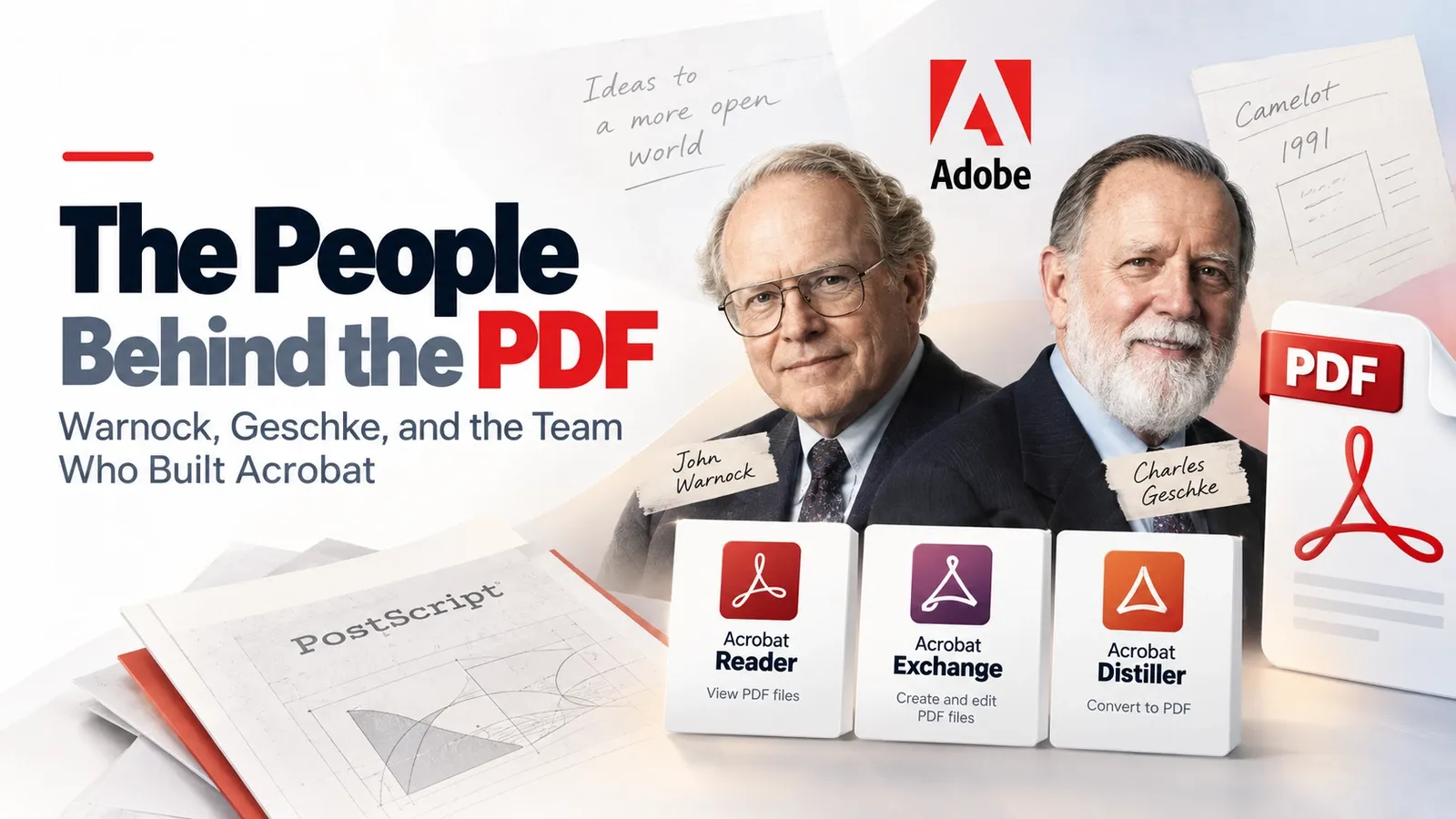
This article explains what PostScript was as a page-description language, why it was not suitable for document sharing, and how Adobe and John Warnock's Camelot memo reshaped the idea into electronic paper. It also covers what PDF kept from PostScript, what it changed or removed, how PDF replaced PostScript for sharing, and how to convert PostScript to PDF today.
What Was PostScript?
PostScript was the page-description language and printing language Adobe built between 1982 and 1984 to tell printers exactly how to draw text, images, lines, curves, and page layouts.
Its roots go back to Xerox PARC, where John Warnock worked on Interpress, an earlier system for describing printed pages. After leaving Xerox, Warnock and the Adobe team turned that page-description idea into PostScript, a language printers could understand and reproduce with high precision.
This made PostScript central to the desktop-publishing boom. Designers could build pages on a computer, send them to a PostScript-compatible printer or imagesetter, and get professional output that matched the intended layout much more closely than older printing workflows.
In simple terms, PostScript gave computers and printers a shared language for drawing a page. It was powerful for print, but that same language-based design later created problems when people wanted documents they could open, browse, and share like normal files.
Why Was PostScript Not Ideal as a Document Format?
PostScript was not ideal as a document format because it was built for one-way print jobs. It was heavy, often device-dependent, and a full programming language with no random access to a chosen page.
That design worked well when a file was sent to a printer, interpreted once, and turned into output. It did not work as smoothly when people wanted to store, share, reopen, search, or browse a document on screen.
The deeper technical problem was that PostScript is Turing-complete and runs from top to bottom. A viewer cannot safely jump straight to page 50 without processing what came before it, because earlier instructions may affect what appears later. That makes page-by-page browsing and interactive rendering much harder than it is in a structured document format.
PostScript also depended more on the output environment than a shared document should. Fonts, printer behavior, interpreter differences, and device settings could affect the final result, which made it less reliable as a portable file for ordinary readers.
So PostScript was excellent for controlled print workflows, but awkward for everyday documents. It was built to drive a printer, not to behave like a lightweight, searchable, page-addressable file people could open anywhere.
What Was Warnock's Camelot Memo?
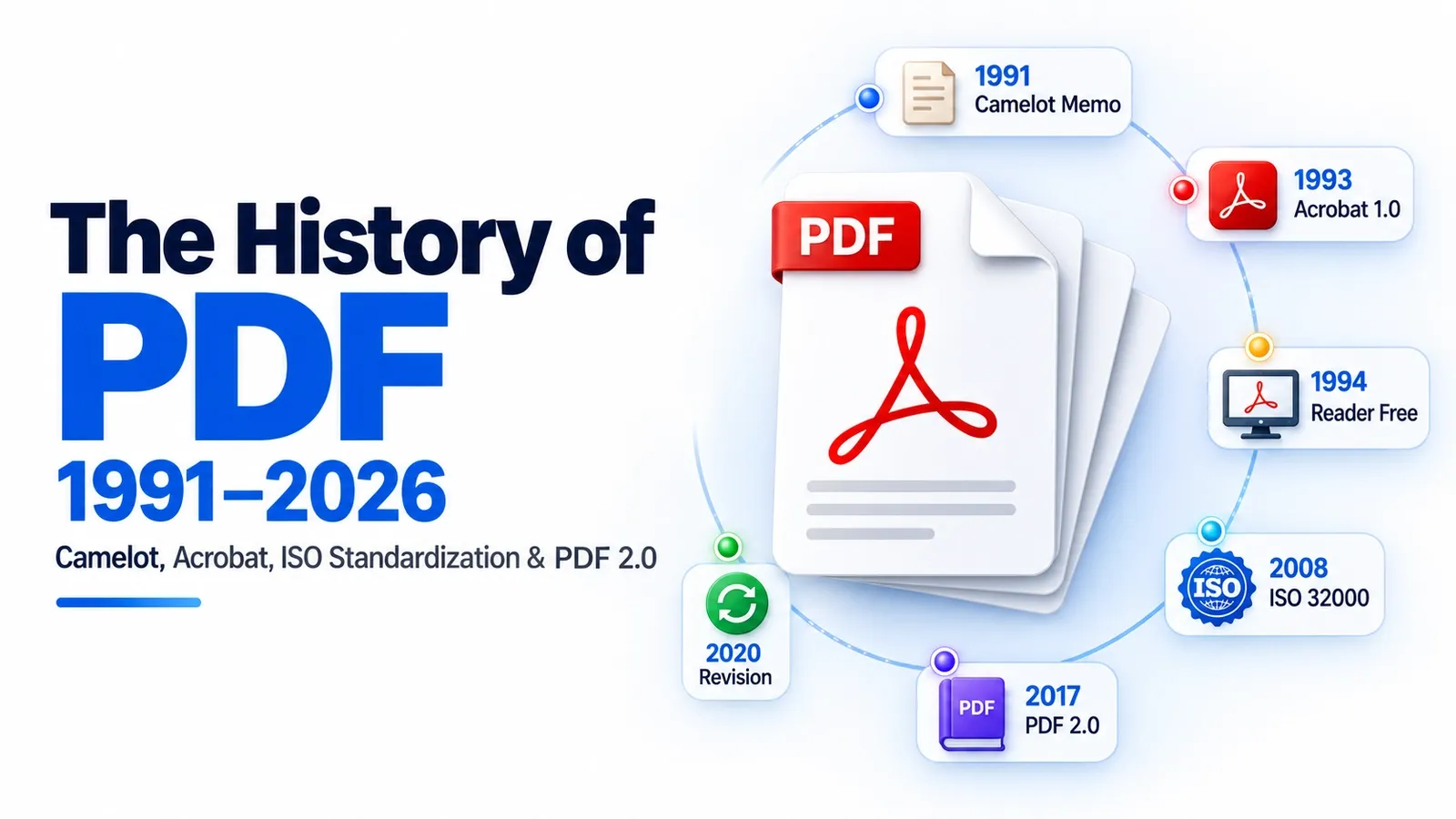
In 1991, John Warnock wrote the Camelot memo at Adobe to propose electronic paper: a way for any document to be viewed, shared, and printed on any machine without losing its intended page appearance.
Camelot took the useful page logic behind PostScript and redirected it toward document exchange. Instead of treating a file mainly as instructions for a printer, Warnock’s idea was to make a document portable enough for screens, printers, operating systems, and software to handle consistently.
The proposed working name made the connection even clearer: Interchange PostScript, or IPS. That name shows how directly the project grew from PostScript while trying to solve a different problem.
The wider PDF back-story belongs in the full history guide. For this section, the key point is that Camelot was the bridge between PostScript as a printing system and PDF as a shareable document format.
What Did PDF Keep From PostScript?
PDF kept PostScript’s imaging model: the way a page describes text, shapes, images, and placement so the final output looks precise. That shared graphics DNA is why PDF could preserve page appearance instead of acting like a loose, editable document.
The core pieces that carried over were graphics operators, fonts, and a page coordinate system. These gave PDF a reliable way to draw lines, curves, text, images, and positioned objects on a page.
This is why a PDF can still feel like a finished PostScript print. It keeps the same concern for exact page geometry, predictable visual output, and a stable fixed layout across screens, printers, and software.
The difference is that PDF saves the finished page result instead of asking a reader to run a full PostScript program. It reuses PostScript’s drawing logic, but it bakes the output into a structured document that is easier to open, navigate, and share.
What Did PDF Change or Remove From PostScript?
PDF removed PostScript’s general programming language and added a fixed document structure, the ability to jump to any page, and compression. The biggest removal was control flow. PostScript could use loops, variables, procedures, and other programming behavior, which made it powerful for print jobs but unpredictable as a document format. PDF stripped that away so the page content became more deterministic.
This removed programming language behavior is what made PDF easier for software to open, display, and handle consistently. Instead of asking a reader to run a PostScript program from beginning to end, PDF stored page content as structured objects.
PDF also added an object structure and a cross-reference table. The cross-reference table acts like an index inside the file, telling the reader where important objects are located. That structure gave PDF random access. A PDF reader could jump directly to page 50, a font, an image, or another object without executing every earlier instruction first.
In simple terms, PDF became flattened, indexable PostScript. It kept the finished page appearance, but removed the programming control flow that made PostScript hard to use as an everyday document format.
How Did PDF Eventually Replace PostScript?
The free Acrobat Reader in 1994, combined with the growing web, made PDF the better exchange format for sharing documents, while PostScript moved back into print and prepress workflows.
That free reader was the tipping point. People no longer needed expensive creation software just to open a PDF. They could download Acrobat Reader, receive a document, and view the same finished page on different computers without needing the original application.
The web made that advantage even stronger. PDF was easier to post, download, email, archive, and open as a finished document, while PostScript still behaved more like a print job than a reader-friendly file.
PostScript did not disappear. It stayed important inside professional printing systems, especially in RIP workflows where pages are processed for output. It also lived on through tools like Distiller, which converted PostScript into PDF.
So PDF replaced PostScript for document sharing, not for every printing task. PostScript remained useful behind the scenes, but PDF became the format people actually exchanged, opened, and trusted for finished documents.
How Do You Convert PostScript to PDF Today?
You can convert a PostScript .ps file to PDF with Ghostscript, the ps2pdf command, Acrobat Distiller, or an online converter.
The best route depends on how much control you need. Ghostscript is the strongest free option for developers, advanced users, and batch conversion because it can run from the command line and handle PostScript directly. The ps2pdf command is the common shortcut people use when they want a fast local conversion without opening a full design or PDF application.
Acrobat Distiller is the traditional Adobe route. It is useful when you are working in a professional print or Acrobat-based workflow and want controlled conversion settings for fonts, images, color, and output quality.
Online converters are the easiest option for casual use. You upload the PostScript file, wait for the service to process it, and download the PDF. The tradeoff is that you have less control over settings, and private or sensitive files should not be uploaded to unknown tools.
A useful detail is that many PostScript-to-PDF converters are built on Ghostscript behind the scenes. So even when a website gives you a simple upload button, Ghostscript is often the engine doing the actual conversion work.
How Do You Convert a .ps File to PDF?
You can convert a .ps file to PDF by running ps2pdf, using Acrobat Distiller, or an online converter. Then open the PostScript file in the chosen tool and download the finished PDF.
For the direct command-line method, use Ghostscript’s ps2pdf command like this: ps2pdf input.ps output.pdf
Replace input.ps with the name of your PostScript file and output.pdf with the name you want for the converted PDF. This is the fastest local method if you are comfortable using a terminal.
For a GUI workflow, open the PostScript file in Acrobat Distiller and choose the PDF settings you need for print, archive, or general sharing. This route is better when you want more control over fonts, color, image compression, and output quality.
For the simplest casual method, upload the PostScript file to an online converter, wait for the conversion, and download the PDF. Use this only for non-sensitive files, because uploaded documents are processed on someone else’s server.
What Is the Full History of PDF?
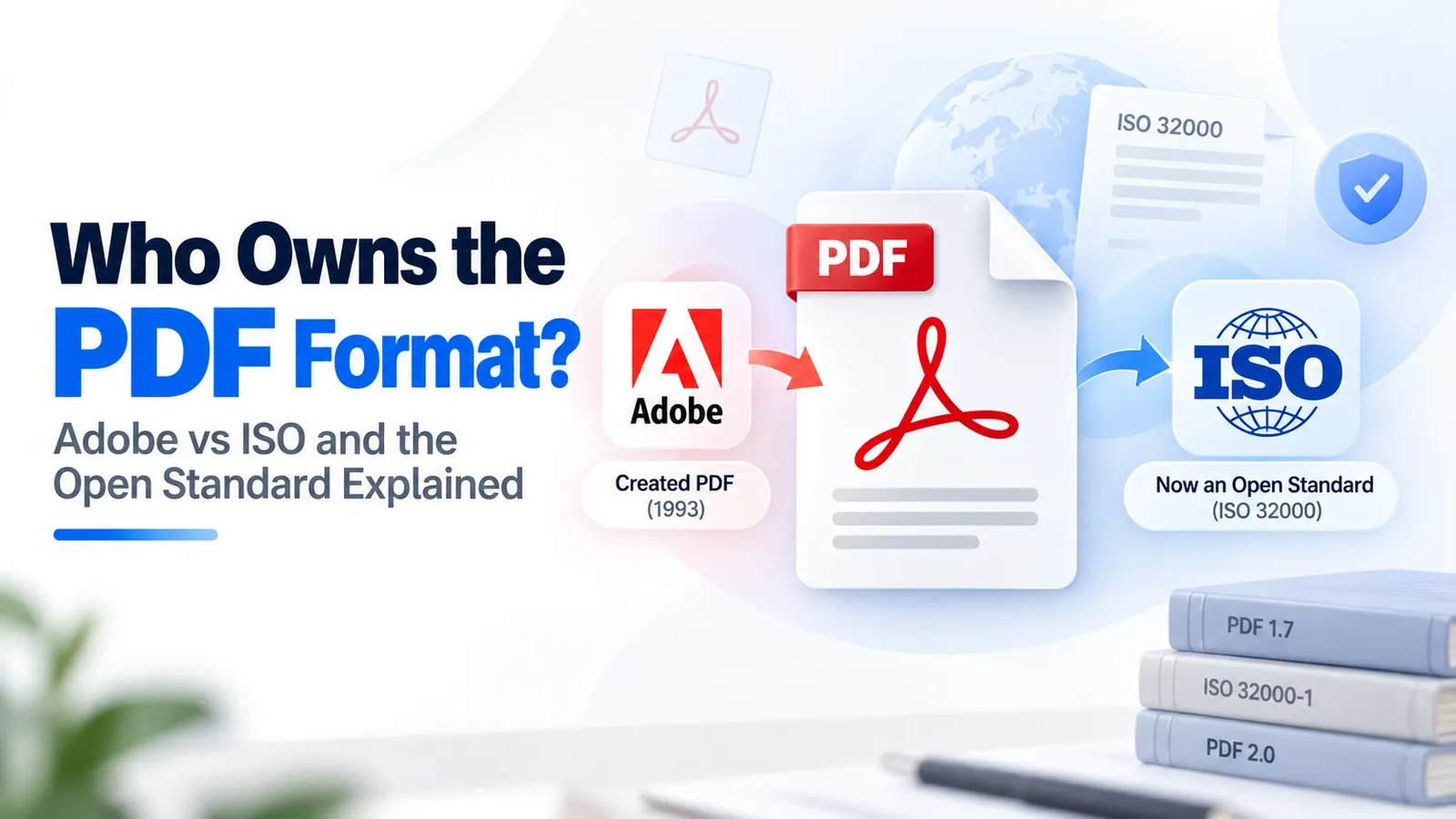
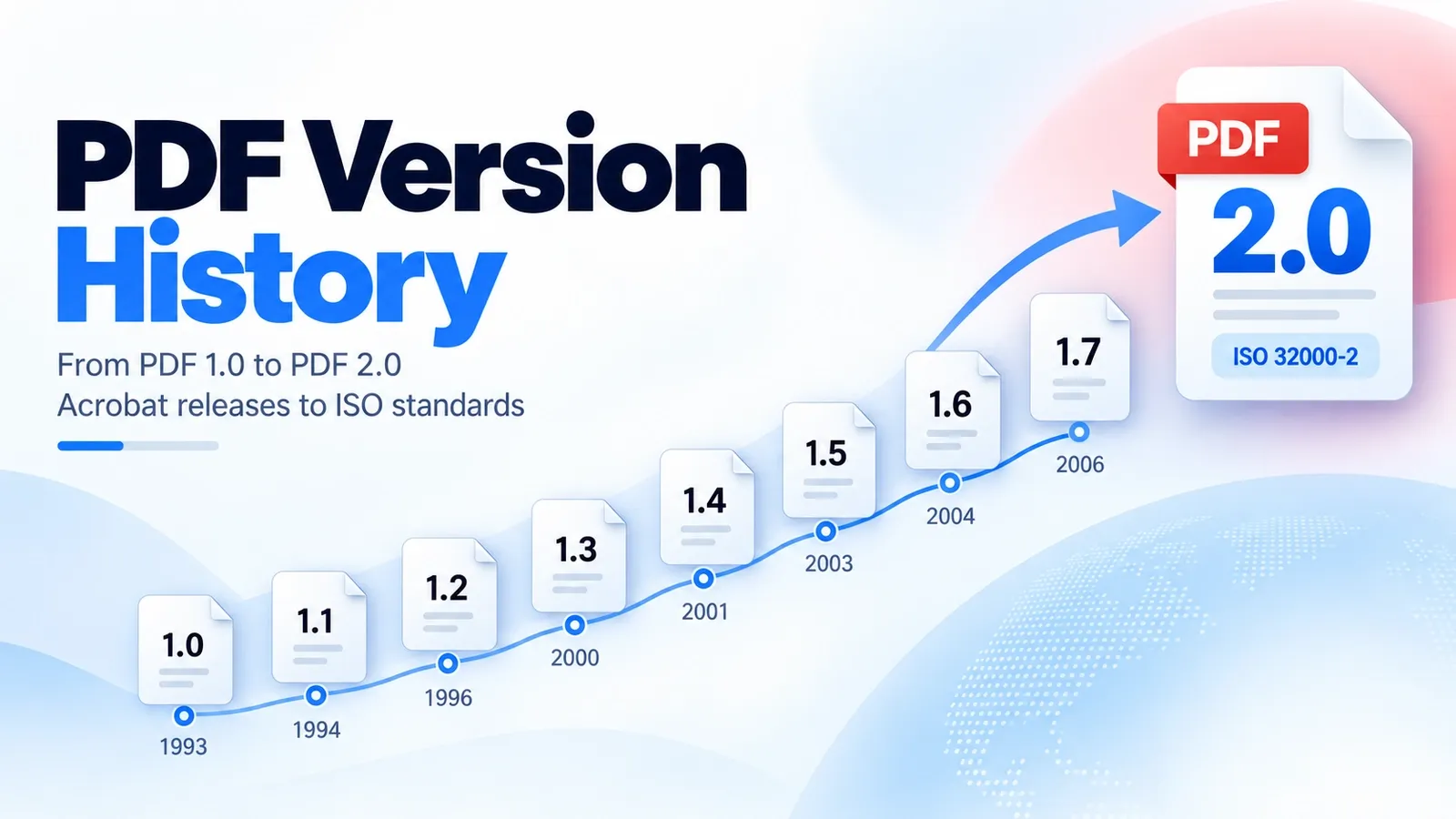
PostScript is one chapter of the wider PDF history; the full story runs from Camelot to Acrobat, ISO 32000, and PDF 2.0.
For the complete timeline, read the history of the PDF, where the full path from Adobe’s early document idea to modern PDF standards is explained in order.