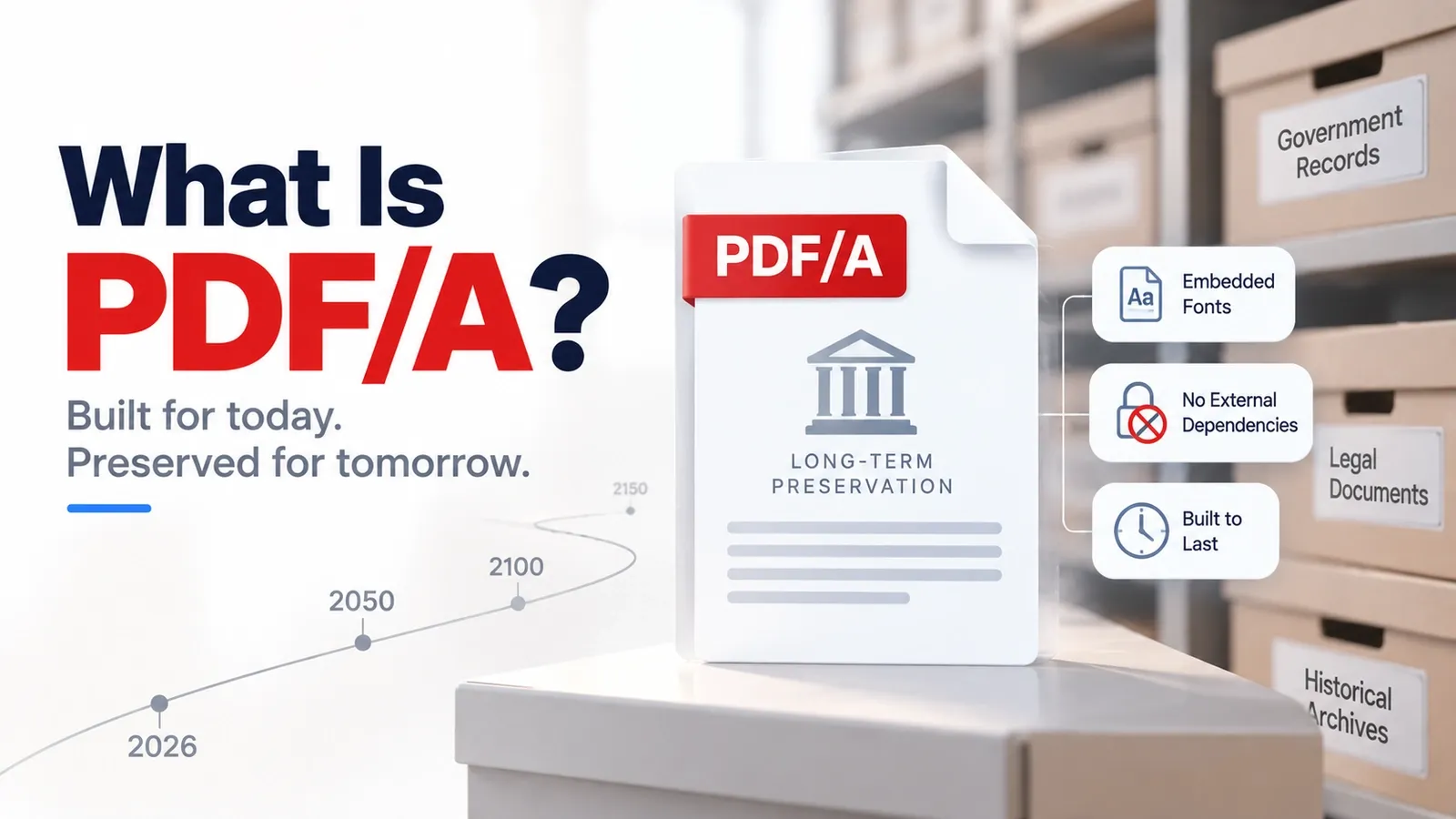
A PDF/A file is built to open and look the same decades later, even if the software, operating system, fonts, or devices around it have changed.
The main idea behind PDF/A is self-contained preservation. Everything needed to display the document properly should live inside the file itself, including embedded fonts, colour information, metadata, and required resources. That one rule explains why PDF/A is so strict.
PDF/A exists for archiving, not for everyday editable or interactive documents. Because it is defined by ISO 19005, it follows preservation rules that regular PDFs do not always follow. A normal PDF can depend on outside fonts, scripts, encryption, or external resources, but PDF/A removes those risks so the file stays reliable over time.
This is also why PDF/A has a conformance level system. Some files only need to preserve the visual appearance, while others must also support Unicode text or full accessibility tagging. The level tells you how strict the archive file is, not just whether it has a PDF/A label.
This article explains what PDF/A is, how it differs from a regular PDF, why governments and courts require it, what its conformance levels mean, and how PDF/A versions changed over time. It also covers how to create and validate a PDF/A file, what its limits are, when to use it, and how it connects to PDF/X, PDF/UA, ISO 19005, and ISO 32000.
What Is PDF/A?
PDF/A is the ISO 19005 subset of PDF built for long-term archiving. It requires everything needed to display the document correctly to be stored inside the file itself.
The core rule is self-containment. A PDF/A file must carry its own fonts, colour information, metadata, and required resources, so the document does not depend on software, missing fonts, external files, or future systems to look right.
That rule explains the main restrictions. PDF/A requires embedded fonts and is designed for no external dependencies. It also bans features that can break long-term preservation, such as external font calls, scripts, encryption, and other outside resources that may not work years later.
The goal is not to make the most flexible PDF. The goal is to make a self-contained archive file that can be opened, displayed, searched, and preserved long after the original software or device is gone.
In simple terms, PDF/A exists so archived documents can remain trustworthy. If a file needs to survive for legal, government, academic, business, or historical use, PDF/A gives it a stricter preservation structure than a regular PDF.
How Does PDF/A Differ From a Regular PDF?
A regular PDF can rely on outside fonts, scripts, external links, and encryption, but PDF/A forbids those risks so the file can keep its reproducibility for long-term preservation.
The biggest difference is font handling. A regular PDF may display correctly on one computer because that computer has the right font installed. PDF/A avoids that risk by requiring embedded fonts, so the file carries the typefaces it needs inside itself.
PDF/A also blocks features that can change, fail, or depend on outside systems. JavaScript is not allowed because scripts may behave differently over time or stop working. External resources are restricted because an archive file should not depend on another website, file, or system to display properly.
Encryption is another major difference. A regular PDF can be password-protected or restricted, but PDF/A is built for preservation, so the document must remain readable to future archive systems without depending on a password or access rule that may be lost.
The practical result is that a PDF/A file is often larger than a regular PDF. It embeds more of what it needs, which increases file size, but that trade-off is what makes the document more reliable for long-term storage.
Why Do Government Archives Require PDF/A?
Government archives and courts require PDF/A because archived documents must open and look the same decades from now, even when the original software, fonts, systems, or devices no longer exist.
That matters for legal records, public files, court submissions, land records, contracts, policy documents, and long-term institutional files. These documents are not saved only for quick reading today. They may need to be reviewed, searched, audited, or used as evidence many years later.
PDF/A supports retention rules because it removes the parts of a regular PDF that can break over time. If a document depends on a missing font, an outside resource, a script, or a password that no one remembers, the archive may not be able to reproduce it reliably.
The legal risk is simple. A contract that renders differently in 20 years can become a liability because the parties, court, or archive may no longer be seeing the same document that was originally filed. PDF/A reduces that risk by keeping the file self-contained and stable for long-term preservation.
That is why many public-sector workflows use a PDF/A mandate for records that must survive beyond the software that created them. The goal is not convenience alone; it is reliable evidence, consistent rendering, and preservation that still works far into the future.
What Are the PDF/A Conformance Levels?
A PDF/A conformance level tells you how strict the archive file is: PDF/A-b preserves the visual look, PDF/A-u adds searchable Unicode text, and PDF/A-a adds full accessibility structure with a tagged document. The levels work like a ladder.
- PDF/A-b means “basic.” It focuses on visual reproduction, so the file should look the same in the future. This is the minimum level for preserving the page appearance.
- PDF/A-u adds Unicode text mapping. That makes the text more searchable, extractable, and reliable for copying, indexing, and machine reading.
- PDF/A-a is the strictest level. It requires the visual preservation rules plus a tagged structure, so headings, reading order, paragraphs, tables, and other document relationships can be understood by assistive technology.
The easiest way to remember the difference is simple: B keeps the look, U adds searchable Unicode, and A adds full accessibility tagging.
So the conformance level is not just a technical label. It tells an archive what kind of preservation promise the file is making: visual only, visual plus text reliability, or visual plus accessible structure.
What Are the PDF/A Versions?
PDF/A-1, PDF/A-2, PDF/A-3, and PDF/A-4 are the main PDF/A versions, each defined under ISO 19005 and built on a newer PDF base version with different archive capabilities.
PDF/A-1 was the first version. It was built for strict long-term preservation and focused on making sure the visual appearance of a document could be reproduced reliably. It is more limited than later versions because it comes from an older PDF base.
PDF/A-2 added support for newer PDF features, including transparency, JPEG2000 compression, and more advanced document structures. This made PDF/A more flexible for files that needed better image handling or modern PDF behavior while still staying archive-safe.
PDF/A-3 is the version that surprises many people. It allows embedded source files inside the archive, such as a spreadsheet, XML file, Word document, or other original file attached to the PDF/A. The PDF/A file still has to preserve its own visible document properly, but PDF/A-3 can carry extra files along with it.
PDF/A-4 is the newer generation built around the modern PDF standard. It continues the archive goal while aligning PDF/A with the newer PDF base, making it better suited for current long-term preservation workflows.
The easiest way to understand the versions is this: PDF/A-1 started the archive model, PDF/A-2 made it more capable, PDF/A-3 allowed attached source files, and PDF/A-4 brought the format closer to modern PDF standards.
How Do You Create or Convert to PDF/A?
You can create PDF/A by choosing a PDF/A export option in the source app, or convert to PDF/A from an existing PDF with a tool that can embed fonts and strip features that are not allowed.
The export route is usually cleaner. If you are working from Word, InDesign, LibreOffice, or another document app, choose the PDF/A option before saving the file. This gives the software a better chance to include the right fonts, metadata, colour information, and archive settings from the beginning.
The convert route is useful when you already have a normal PDF. A PDF/A conversion tool checks the file, embeds missing fonts when possible, removes unsupported features, and rewrites the file so it can match the chosen PDF/A version and conformance level.
Conversion can also change the file. Non-conforming parts such as scripts, unsupported links, media, form behavior, or encrypted settings may be removed, flattened, or simplified so the file can become archive-safe.
That is why you should never assume the file is valid just because it was saved as PDF/A. After conversion, validate the output with a PDF/A checker to confirm that the final file actually meets the required standard.
How Do You Validate PDF/A Compliance?
You can validate PDF/A compliance with a conformance checker, such as the open-source veraPDF, that tests whether the file meets the chosen PDF/A version and conformance level.
Validation matters because saving or exporting a file as PDF/A does not automatically prove that the file is valid. A document may still have missing fonts, incorrect metadata, unsupported colour settings, broken structure, disallowed actions, or other issues that prevent real PDF/A compliance.
A conformance checker reads the file against the selected PDF/A rules and reports whether it passes or fails. If it fails, the report usually shows what needs to be fixed, such as font embedding problems, metadata errors, transparency issues, tagging problems, or forbidden features.
In professional workflows, this check is often part of a preflight process. Preflight checks the file before it is accepted for archiving, court filing, government submission, or long-term storage.
The important point is simple: “saved as PDF/A” is only a claim. A checker confirms whether the file actually meets the standard, and veraPDF is widely used as a reference validator for that job.
What Are the Limitations of PDF/A?
PDF/A’s preservation rules are also its main limitations: it allows no JavaScript, no encryption, no multimedia, no external references, and often creates a larger file size than a regular PDF. The main limits are easiest to understand one by one.
- No JavaScript: PDF/A removes scripts because they may behave differently, stop working, or create unpredictable behavior in the future.
- No encryption: Archive systems must be able to open the file later, so PDF/A avoids passwords, access restrictions, and encryption that could block future reading.
- No multimedia: Audio, video, and other rich media features do not fit PDF/A’s long-term preservation goal.
- No external references: A PDF/A file should not depend on outside websites, linked files, external fonts, or resources that may disappear later.
- Larger file size: PDF/A files are often bigger because they embed fonts, metadata, colour information, and other resources needed for reliable display.
The honest trade-off is simple: you give up interactivity and encryption for permanence. PDF/A suits archives, legal records, government files, final reports, and documents that should not change.
A regular PDF is the better choice when the document still needs video, audio, scripts, password protection, external content, active form behavior, or frequent editing. PDF/A is built for permanent records, not living documents.
When Should You Use PDF/A?
Use PDF/A when a document must stay readable, unchanged, and reliable for the long-term, especially for legal records, government filings, public archives, final reports, and formal preservation workflows.
The simple decision rule is archive it in PDF/A, work in a regular PDF. PDF/A is the better choice when the file is finished and needs stable archiving. That includes contracts, court records, policy documents, academic records, invoices, scanned historical documents, compliance files, and any document that may need to be opened many years later with the same appearance and meaning.
A regular PDF is better when the document is still active. Use a regular PDF when you need editing, password protection, interactive forms, JavaScript, multimedia, external links, collaboration, or frequent updates.
So the best PDF/A use cases are permanent records, not working files. PDF/A protects long-term readability, while a regular PDF gives you more flexibility while the document is still being used, changed, shared, or reviewed.
How Do PDF/A, PDF/X, and PDF/UA Differ?
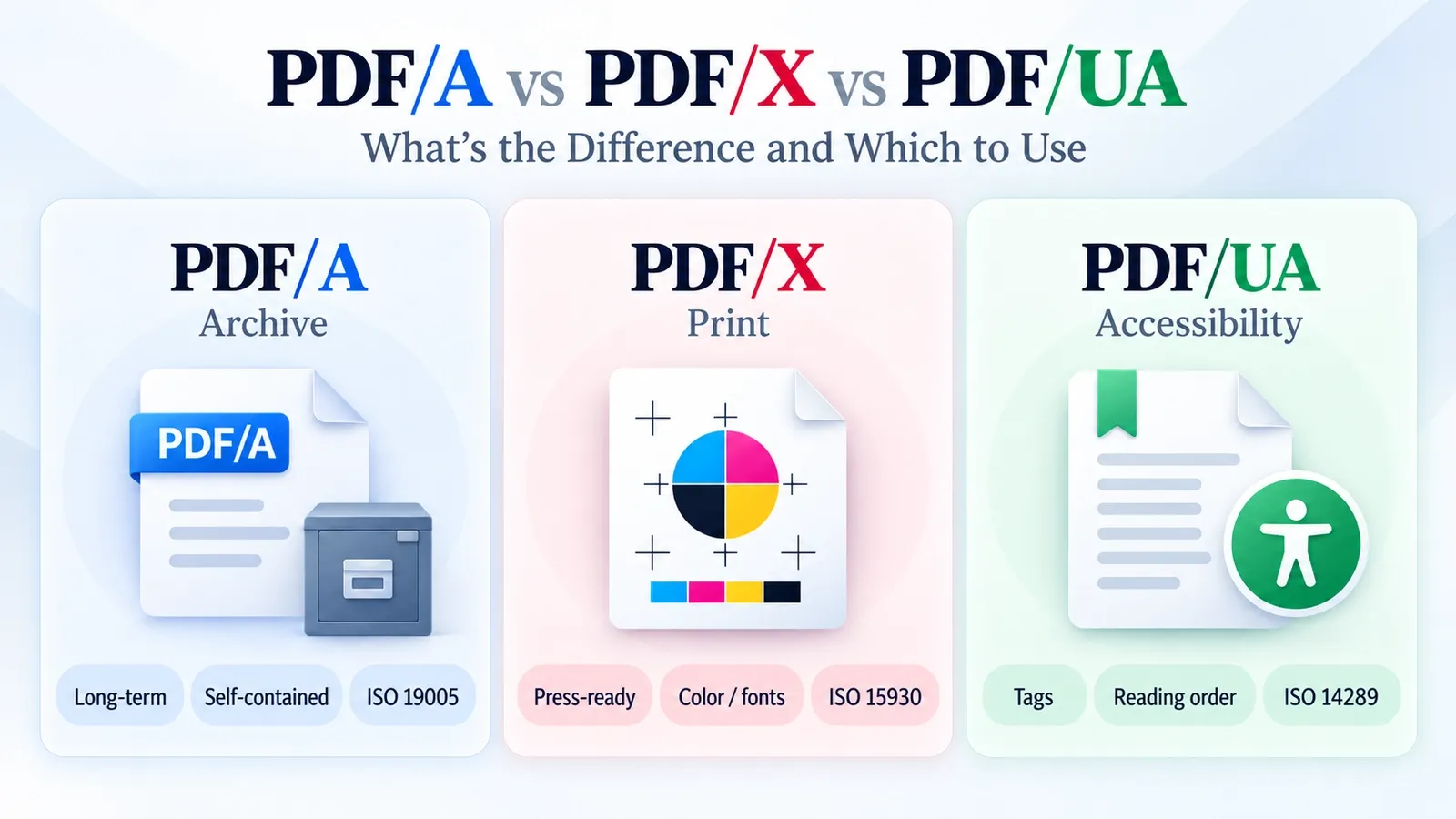
PDF/A is for archiving, PDF/X is for print, and PDF/UA is for accessibility.
Each subtype solves a different problem. PDF/A preserves documents for long-term storage, PDF/X prepares files for reliable print production, and PDF/UA makes PDF content easier for assistive technology to read.
For the full side-by-side breakdown, read PDF/A vs PDF/X vs PDF/UA, where the major PDF subtypes are compared by purpose, requirements, and best use case
What Is the ISO 19005 Standard?
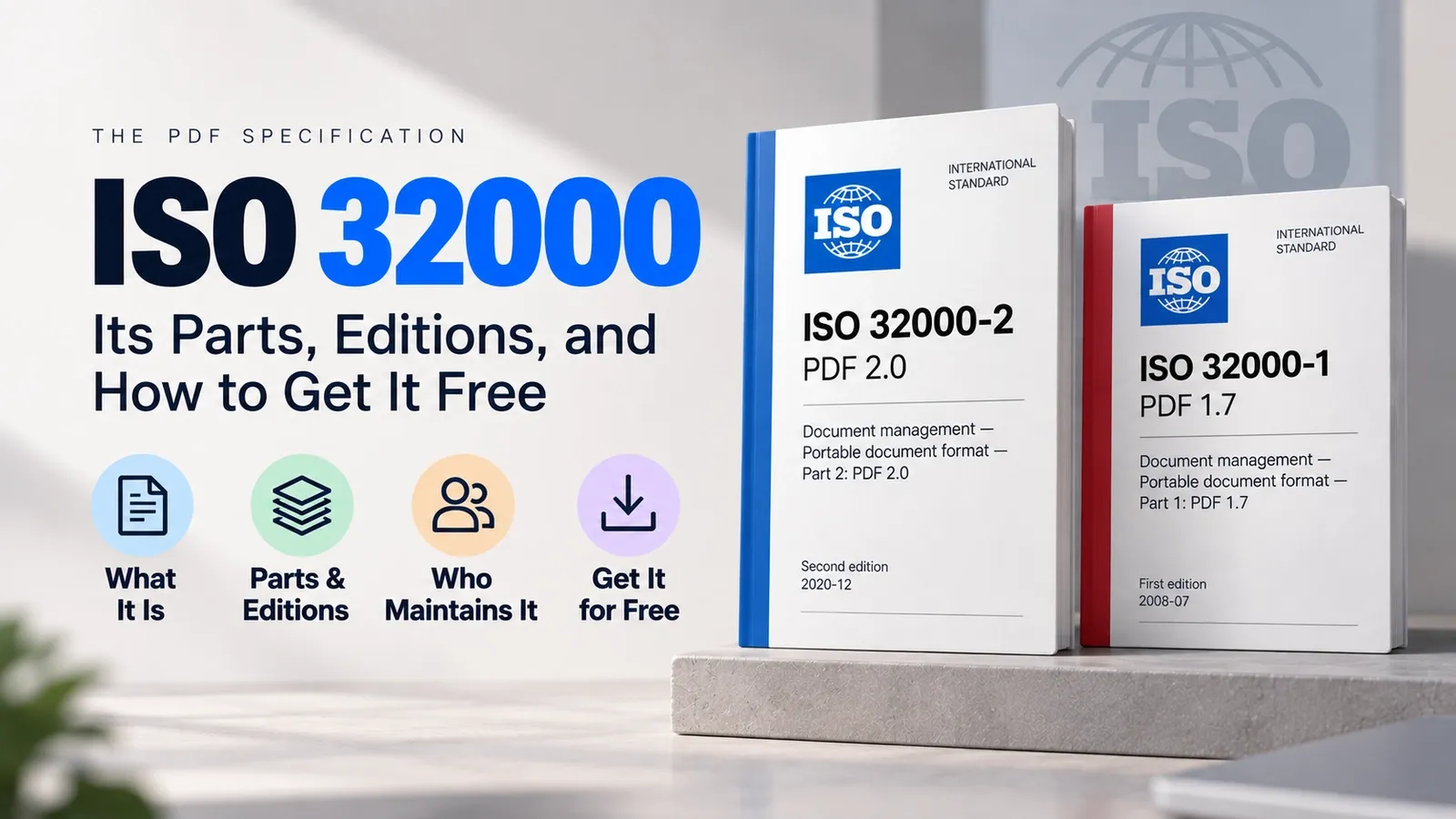
ISO 19005 is the standard that defines PDF/A, while ISO 32000 is the core PDF base that PDF/A builds on.
In simple terms, ISO 32000 defines the wider PDF format, and ISO 19005 defines the archive-focused PDF/A rules on top of that base. That is why PDF/A is not a separate file format from PDF; it is a stricter archival version of PDF.
For the full explanation of the core PDF standard, read ISO 32000 explained, where the main PDF specification, version history, and standards role are covered in detail.