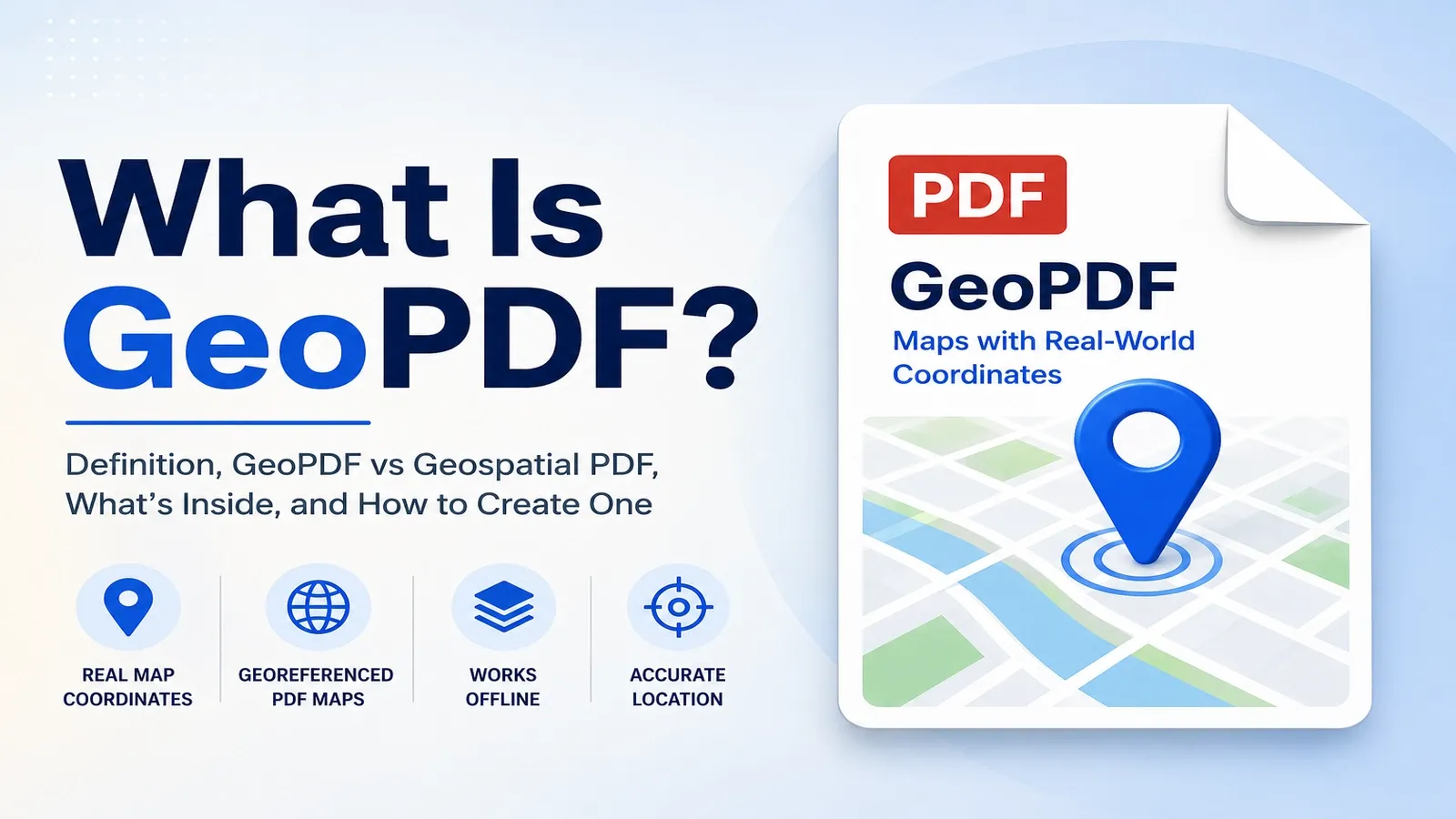
A GeoPDF carries real map coordinates inside a normal PDF, so a supported reader app can show your GPS spot right on the page.
The file may look like an ordinary PDF map, but georeferencing connects the page to real places on Earth. That means the map can support location tools, coordinates, measuring, and offline field use when the right app can read the map data.
The naming can be confusing. GeoPDF is a TerraGo trademark, while geospatial PDF is the general term for any PDF that stores map coordinates. People often use the two terms loosely, but they are not exactly the same.
The map data can also be stored in two main ways. One method follows the OGC GeoPDF best practice, and the other uses the geospatial features added to ISO 32000, the main PDF standard. Some apps support one method better than the other, which is why a map PDF may work in one tool but not another.
One important real-world example is USGS US Topo. Older USGS topo map downloads used TerraGo’s GeoPDF format, but USGS switched to an open geospatial PDF format in June 2017.
This article explains what a GeoPDF is, how it differs from a geospatial PDF, what is inside one, what software opens it, how to make one, and how geospatial PDFs are used in the field.
What Is a GeoPDF?
A GeoPDF is a PDF that stores a map’s coordinates and reference points, so its map content is tied to real places on Earth.
At first glance, it may look like a normal PDF map. You can open it, zoom in, print it, or share it like any other PDF.
The difference is the hidden map data inside the file. A coordinate reference system tells the reader app how the map fits the Earth, while registration points connect positions on the PDF page to real ground locations.
This process is called georeferencing. It lets supported apps show coordinates, track a GPS position, measure distance, or identify a point on the map.
The map data is not always visible. If the app supports GeoPDF or geospatial PDF features, it can use the coordinates. If the app does not support them, the file usually behaves like an ordinary PDF page.
So a GeoPDF is both familiar and specialized. It looks like a PDF map to most readers, but in the right app it becomes a location-aware map connected to real-world coordinates.
What's the Difference Between GeoPDF and a Geospatial PDF?
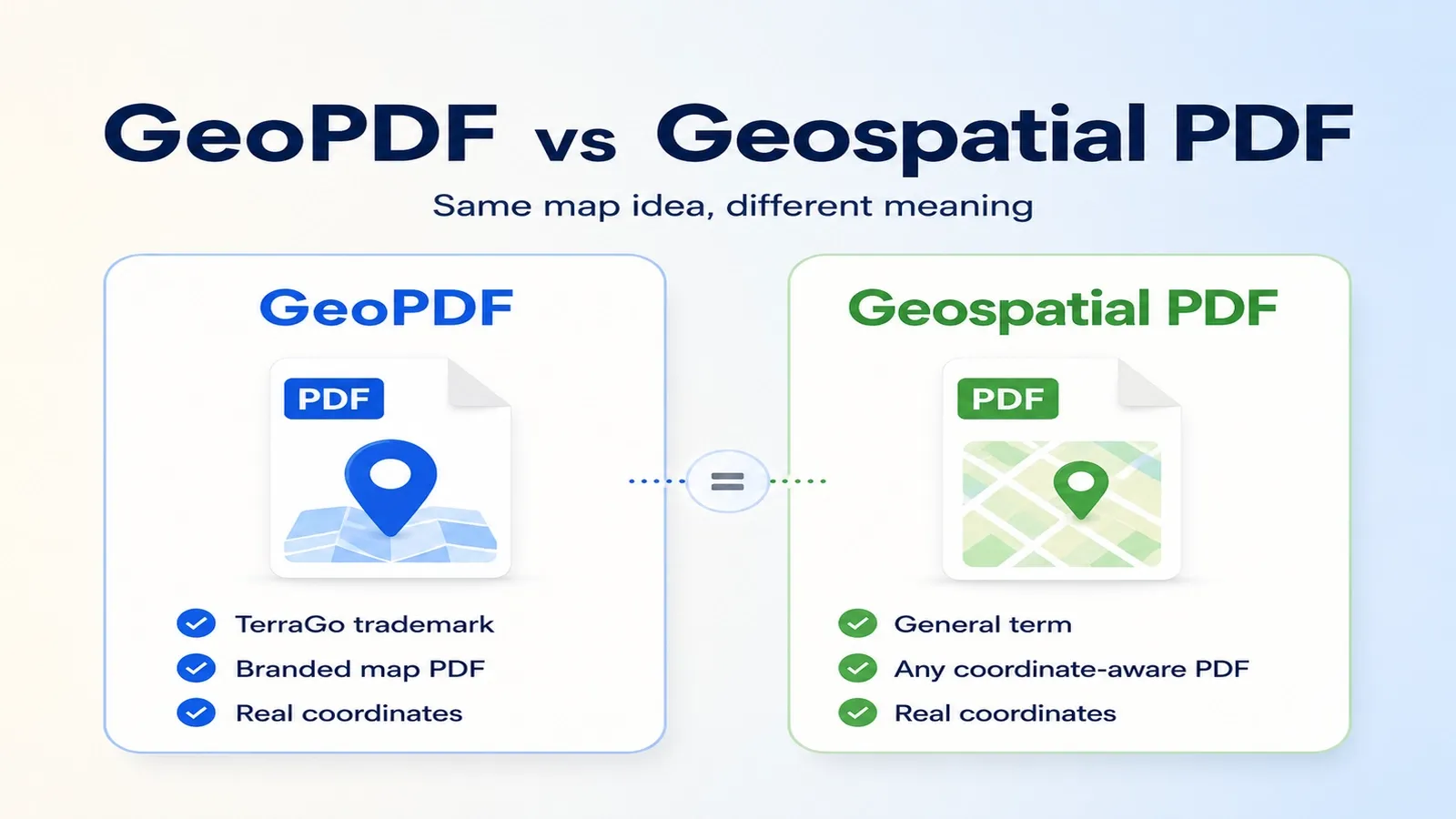
GeoPDF is TerraGo’s brand name for the format. A geospatial PDF is the general term for any PDF that carries map coordinates.
People often use the two terms as if they mean the same thing. That is why a map download, GIS export, or field map may be called a GeoPDF even when it is really a general geospatial PDF.
The naming difference matters because GeoPDF is a registered trademark of TerraGo. Geospatial PDF is the broader, non-brand term for PDFs that include coordinate data, map layers, and georeferencing.
A georeferenced PDF can come from different tools and may store its map information in different ways. Some files may follow TerraGo’s GeoPDF approach, while others may use open geospatial PDF methods.
In simple words, use GeoPDF when referring to TerraGo’s branded format, and use geospatial PDF when talking generally about any coordinate-aware PDF map.
What's Inside a Geospatial PDF?
Inside a geospatial PDF is a coordinate reference system plus a link between the PDF page and real ground positions, saved in a defined geospatial format.
The coordinate reference system tells the file how the map relates to Earth. It can describe the map projection, datum, coordinate units, and other spatial details that let software understand the map correctly.
The link between the page and the ground is called georegistration. It connects points on the PDF page to real-world locations, so a supported app can show coordinates, track a GPS position, or measure distance on the map.
A geospatial PDF can store this map data in two main ways: through the OGC GeoPDF best practice or the ISO 32000 geospatial PDF method.
The storage method matters because software support can vary. One app may read OGC-style map data better, while another may work more reliably with ISO 32000-based geospatial information.
A geospatial PDF can also include map layers. These layers may separate roads, contours, water, labels, boundaries, imagery, parcel lines, trails, and other map details so users can turn information on or off.
So the file is more than a flat map page. It contains the visible map, the coordinate system, the page-to-ground registration, and sometimes map layers, all of which help a supported app treat the PDF like a real map instead of a static image.
What Software Opens a GeoPDF?
Adobe Acrobat or Reader, Avenza Maps, Global Mapper, and ArcGIS Field Maps can open a GeoPDF or geospatial PDF and use its coordinates with GPS or map tools.
On desktop, Adobe Acrobat can open the file like a normal PDF and may also use the geospatial data if the file stores map information in a supported way. Global Mapper is another desktop option for working with geospatial PDFs in GIS and mapping workflows.
In Adobe Acrobat, open the GeoPDF, go to the Tools area, and look for the geospatial location tool. When the tool is available, you can move over the map to read location information from the PDF page.
On mobile, Avenza Maps is commonly used for offline geospatial PDF maps. You can load the map, use the phone’s GPS, and see your position on the page without needing a live web map.
ArcGIS Field Maps can also support field workflows where crews need mobile maps, location tracking, and GIS-connected work. It is useful when the geospatial PDF is part of a wider Esri mapping process.
One real-world snag is that not every PDF reader can read the map layer. A basic PDF viewer may open the page visually but ignore the coordinates, layers, or GPS features.
The storage format matters too. Some apps read TerraGo or OGC-style GeoPDF data better, while others work better with ISO 32000-based geospatial data. So if a GeoPDF opens but the GPS or coordinate tools do not work, the file may not match what that reader supports.
How Do You Create a Geospatial PDF?
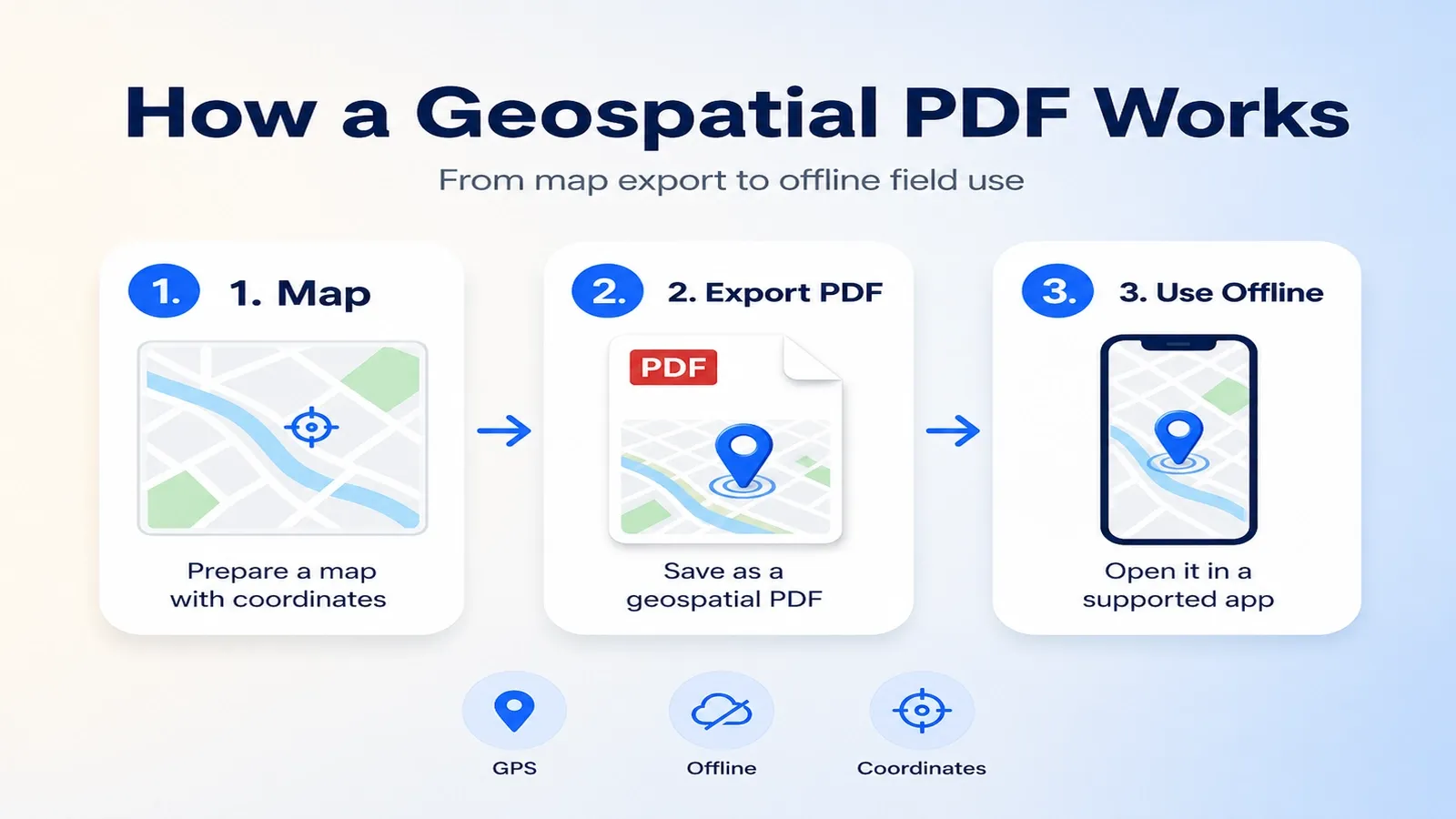
Make a geospatial PDF by exporting a map from GIS software like ArcGIS Pro or QGIS, or by using TerraGo Composer for GeoPDF-focused workflows.
The source map should already have a coordinate system, map layers, scale, labels, symbols, and layout settings. During export, the software saves the visible map page and the hidden geospatial data that connects the page to real-world coordinates.
In QGIS, click Project > Import/Export > Export Map to PDF, then enable Create Geospatial PDF. That turns the normal map export into a PDF that can carry coordinate and layer information.
In ArcGIS Pro, create the map layout first, then export the layout as a PDF with geospatial information included. This lets the PDF keep map coordinates, layers, and location-aware behavior when opened in a supported reader.
TerraGo Composer is another route when the workflow needs TerraGo-style GeoPDF output, field-map packaging, or extra control over geospatial PDF features.
After export, test the file in the reader your audience will actually use. A PDF may look correct on screen, but the coordinates, layers, or GPS behavior only matter if the target app can read the geospatial data.
So the practical workflow is to prepare the map in GIS software, export it with geospatial PDF settings enabled, then open it in a supported app to confirm that the map coordinates and layers work.
How Are Geospatial PDFs Used in the Field?
In the field, a geospatial PDF works as an offline map. Open it in a mobile reader, and your GPS position can appear on the map without an internet connection.
That offline use is the main reason field crews still rely on geospatial PDFs. Web maps are useful, but they can fail in remote areas, disaster zones, forests, construction sites, or anywhere the cell signal drops out.
A geospatial PDF can support field navigation by showing where you are on a prepared map. Workers can follow trails, roads, property lines, survey areas, utility routes, emergency zones, or project boundaries without loading map tiles from the internet.
It can also help with coordinate marking. A field user may tap or record a point, read its coordinates, mark a location, or share a position with another team member.
Some mobile apps also let users measure distance or area on the map. That is useful for checking route length, estimating site boundaries, measuring spacing, or comparing distances between field points.
Common field uses include surveying, hiking, forestry, utilities, mining, emergency response, environmental work, construction planning, military mapping, and public-land navigation.
In short, a geospatial PDF gives field teams a portable map with location tools, coordinate support, and offline access when a live web map is not available.
Are USGS US Topo Maps GeoPDFs?
USGS US Topo maps are free geospatial PDFs. Maps made before June 2017 used TerraGo’s GeoPDF format, and newer maps use an open geospatial PDF format.
US Topo maps are the modern USGS topographic map series. They are commonly published as quadrangle maps, which means each map covers a defined area of land in the USGS topo map grid.
Most US Topo maps are produced at 1:24,000 scale. At that scale, one inch on the map represents 24,000 inches on the ground, which is why these maps are useful for detailed outdoor, planning, and field work.
The June 2017 change matters for older downloads. A map downloaded before that date may be a TerraGo GeoPDF, while a newer download is usually an open geospatial PDF that follows a different storage approach.
Both types can still look like normal PDF maps. The difference is in the hidden geospatial data that supported apps use for coordinates, GPS position, measurements, and map tools.
You can download USGS US Topo maps from USGS topoView or The National Map. These sources let users search for a location or quadrangle and download available topo map PDFs.
So the answer is yes, USGS US Topo maps are geospatial PDFs. Older ones may be TerraGo GeoPDFs, while newer ones use the open geospatial PDF format adopted after the June 2017 switch.
How Does a Geospatial PDF Relate to the ISO 32000 PDF Standard?
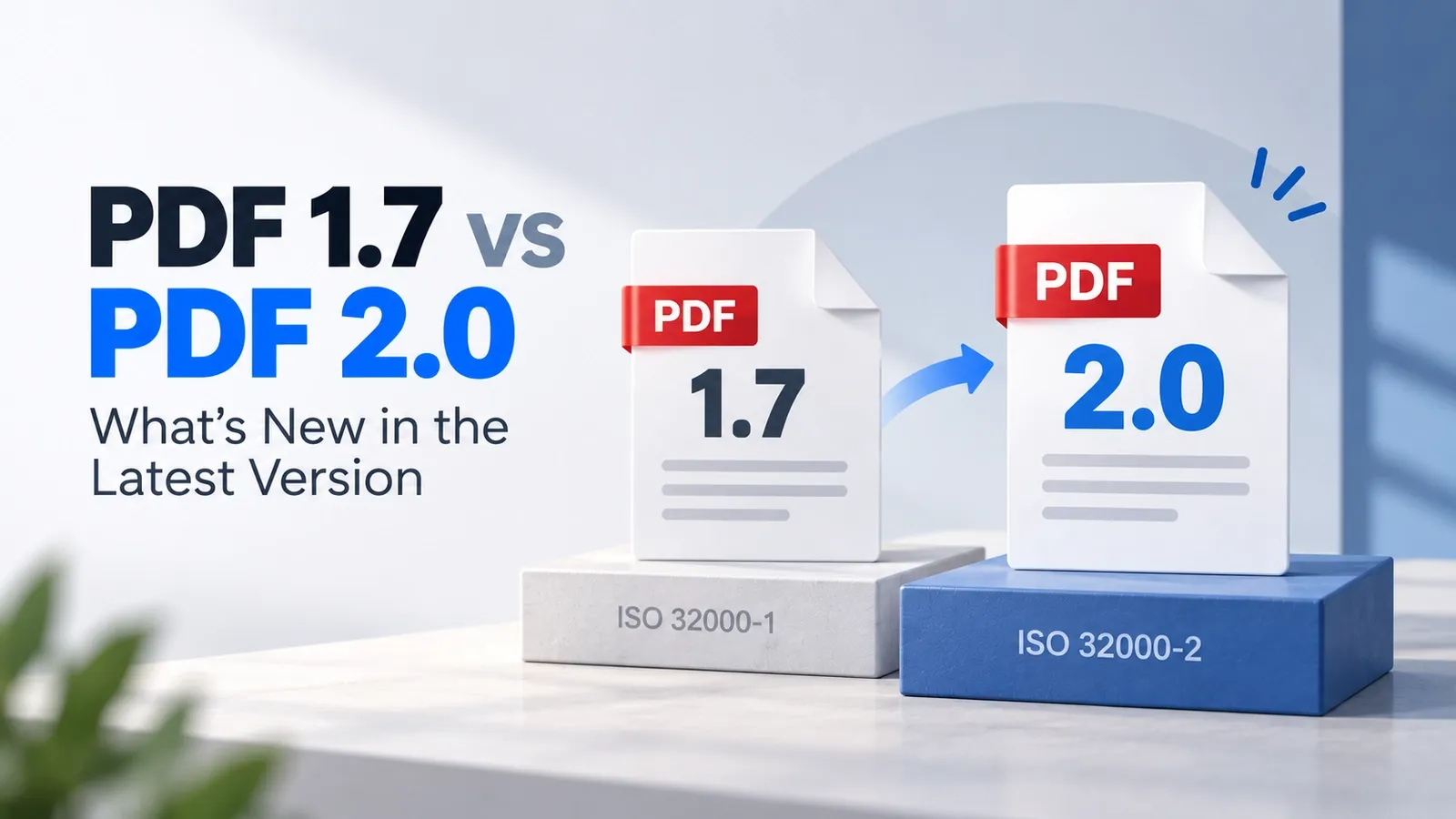
Geospatial PDF map features were added as a geospatial extension to the main PDF standard, ISO 32000, and carried into PDF 2.0.
ISO 32000 is the core PDF specification. It defines how PDF files work, including their structure, objects, pages, annotations, metadata, and other standard PDF behavior.
For geospatial PDFs, ISO 32000-2 is the important version because it includes the map-related features used in PDF 2.0. These features help a PDF store location-aware map data in a standardized way.
That means a geospatial PDF is still a PDF first. The geospatial part adds coordinate and map-location behavior on top of the regular PDF structure.
This is also why ISO support matters. When map data follows the ISO 32000 path, supported software has a clearer standard for reading geospatial information from the PDF file.
For a deeper explanation of the core PDF standard, read the dedicated ISO 32000 explained guide.